16
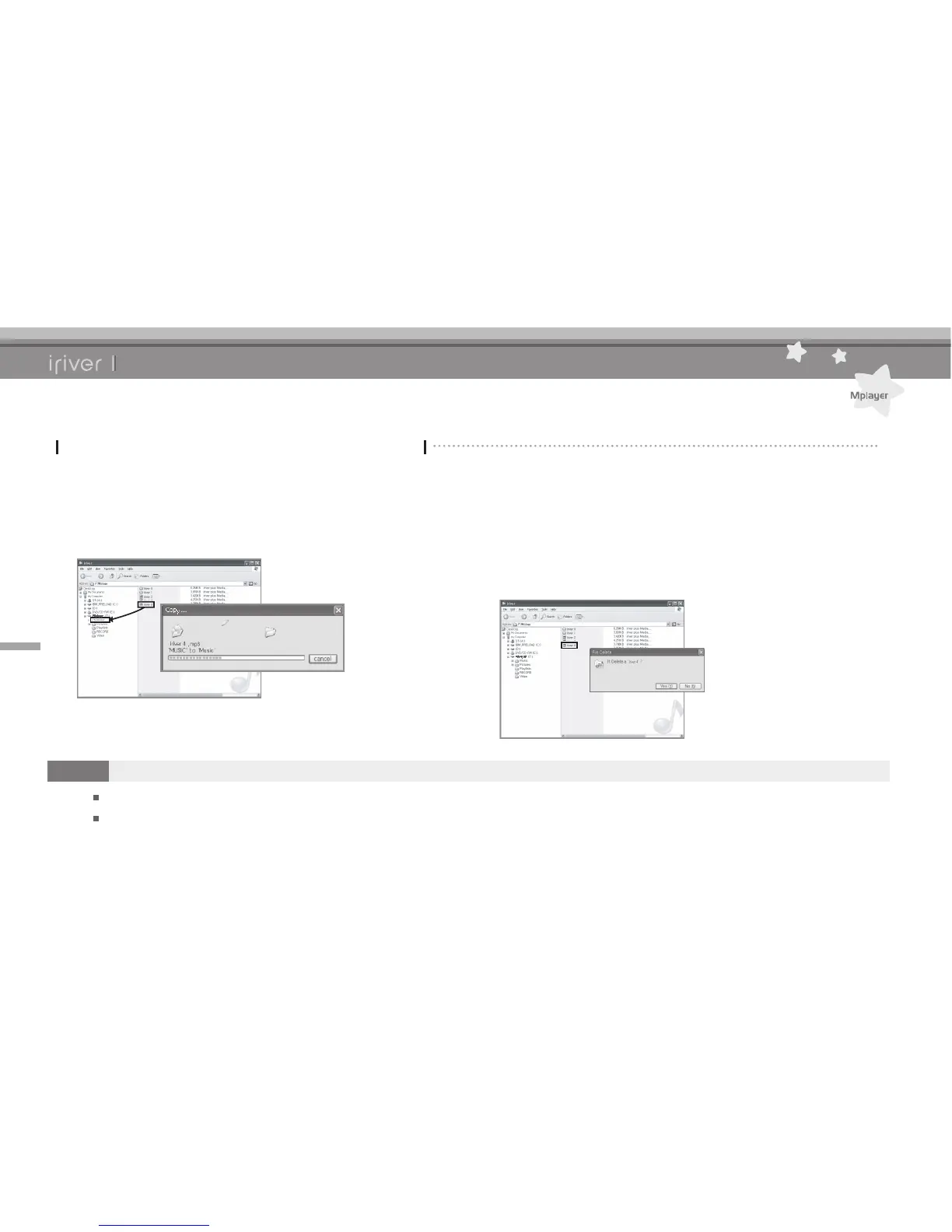
Copying le/folder to the product
1. Select the le / folder in your PC and drag & drop
it to the drive which appears as a product.
Chapter2 Basic Operations
Connecting Products
Copying le / folder (Using as a removable disk)
Deleting le/folder from the product
1. After selecting the le / folder, click it with the right
mouse button and select [Delete].
2.
Click [Yes] in the [Conrm File Delete / Conrm Folder
Delete] popup window to delete the le / folder.
Note
Always properly connect the USB cable.
While transferring data using the USB cable, the red LED will be ashed.
Do not turn off the product or disconnect the USB cable to protect your data from damage.



 To Next Page