21
Chapter3 Using the Mplayer
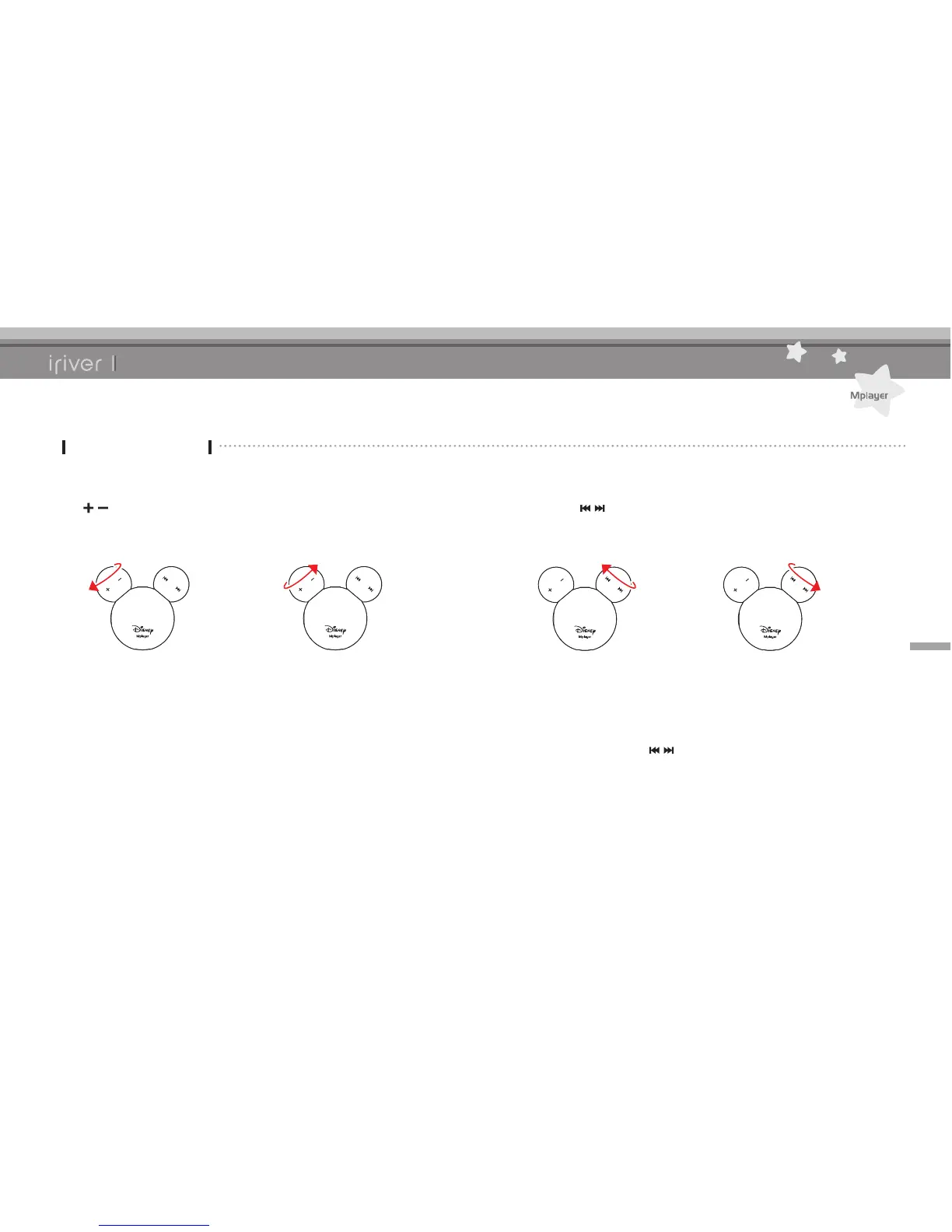
1. To control the volume while playing, turn the
[/ ] button to left or right.
Music
Listening to Music
2. To play previous / next music while playing,
turn the [ / ] button to left or right.
[Volume +] [Volume -] [Previous track] [Next track]
3. To use fast reverse / fast forward function,
turn and hold the [ / ] button to left or right.



 To Next Page