17Roomba® Vac 2 Essential robot + AutoEmpty™ dock Owner’s Guide
EN
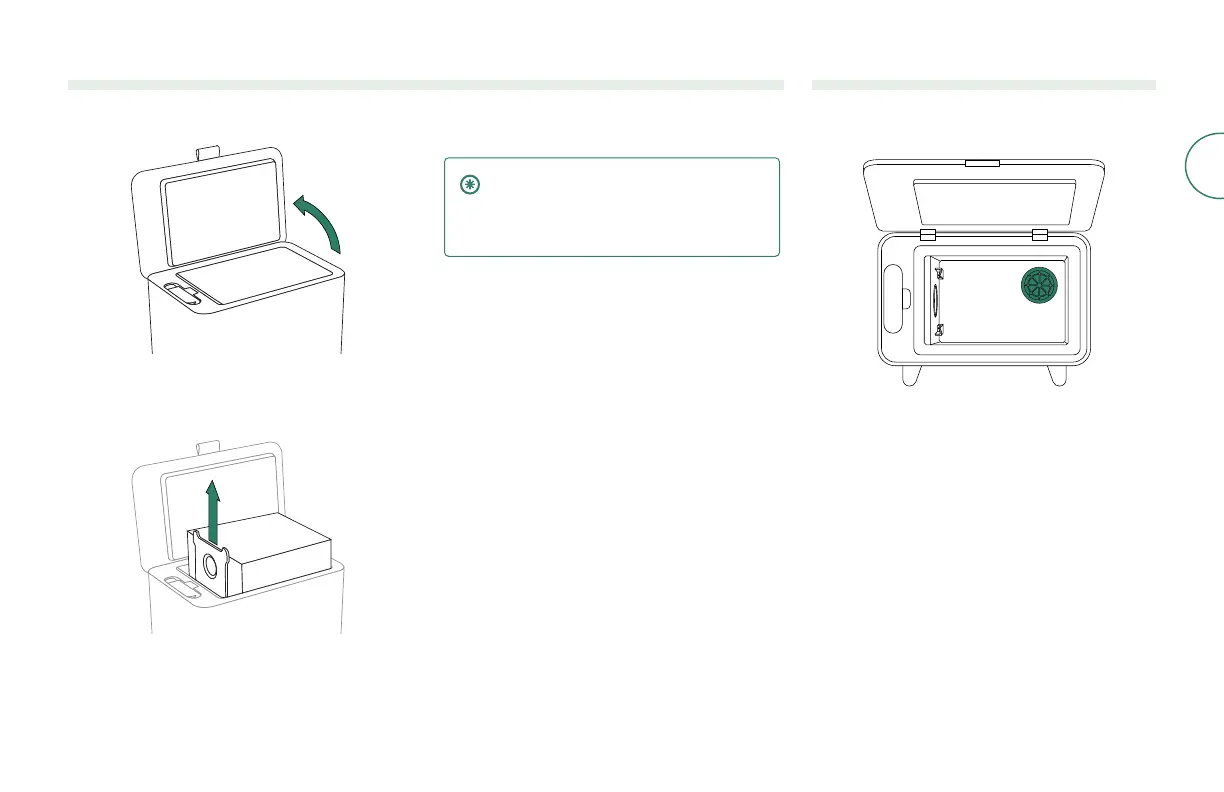
Replacing the bag
1
Lift up on the canister lid to open.
2
Pull up on the card to remove the bag from the
canister.
3
Install a new bag by sliding the card into the
guide rails. This will seal the bag so dust and
debris cannot escape.
4
Press down on the lid making sure that it is
completely closed.
IMPORTANT: To achieve optimal
performance with your robot and dock,
clean and/or replace your robot’s
lter as needed.
Removing Debris from Blower Cover
Inspect blower cover for any lint or debris build-up,
and wipe with a clean dry cloth to remove.



 To Next Page