EN
Roomba Combo® j9+ Owner’s Guide 3
Charging
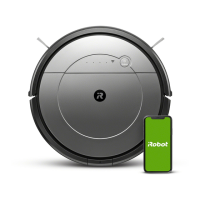
Download the iRobot Home App and Connect to Wi-Fi®
• Follow step-by-step instructions to set up your Roomba Combo™.
• Set up PrecisionVision Navigation to avoid obstacles in real time.
• Set an automatic cleaning schedule and customize cleaning preferences.
• Create smart maps to tell your robot where, when and how to clean.
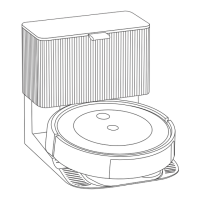
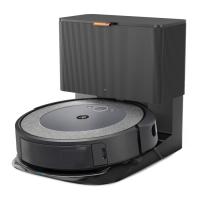
Using Your Roomba Combo™ with Clean Base® Auto-Fill Dock
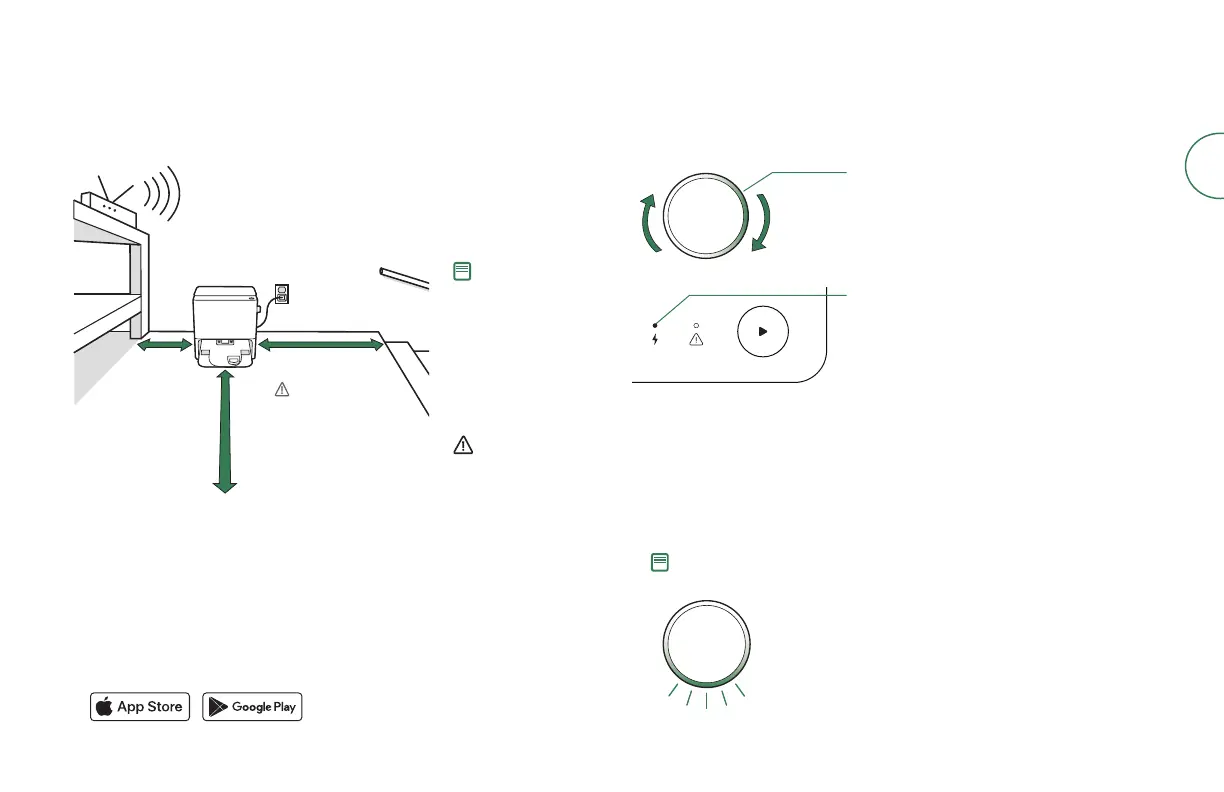
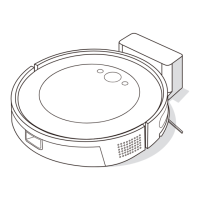
Positioning the Clean Base® Auto-Fill Dock
Good Wi-Fi® Coverage
*Objects are not to scale.
4 ft (1.2 m)
from stairs
4 ft (1.2 m)
in front
1.5 ft (0.5 m)
both sides
Note: Position your Clean
Base® Auto-Fill Dock on
hard surface flooring.
Do not place it in direct
sunlight. Ensure the area
around the charging
station is free of clutter
to improve docking
performance.
WARNING: To prevent the
risk of your robot falling
downstairs, ensure that
the charging station is
placed at least 4 feet (1.2
meters) away from stairs.
Charging LED Indicator
On: Robot on dock charging
Off: Robot not on dock or robot not charging
Flashing: Mid-job charge & resume
CLEAN
Light Ring Spiral While Charging
White Spiral: charging
Solid White: charged
• Place the robot on the charging station to activate the battery.
• The robot uses a small amount of power whenever it is on the charging
station. You can put the robot in a further-reduced power state when not in
use. For instructions and more details on this Reduced Power Standby Mode,
refer to the FAQ page on our website.
• For long-term storage, turn off the robot by removing it from the charging
station and holding down the Clean Button for 3 seconds with one wheel off
the ground. Store the robot in a cool, dry place.
Note: Your robot comes with a partial charge, but we recommend that you charge
the robot for 3 hours prior to starting the first cleaning job.
When your robot is fully charged, the
light ring indicator will intermittently
pulse white on the bottom.



 To Next Page