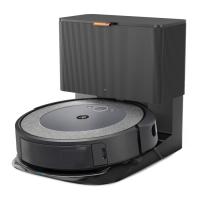
Roomba
®
i2 Owner’s Guide 8
EN
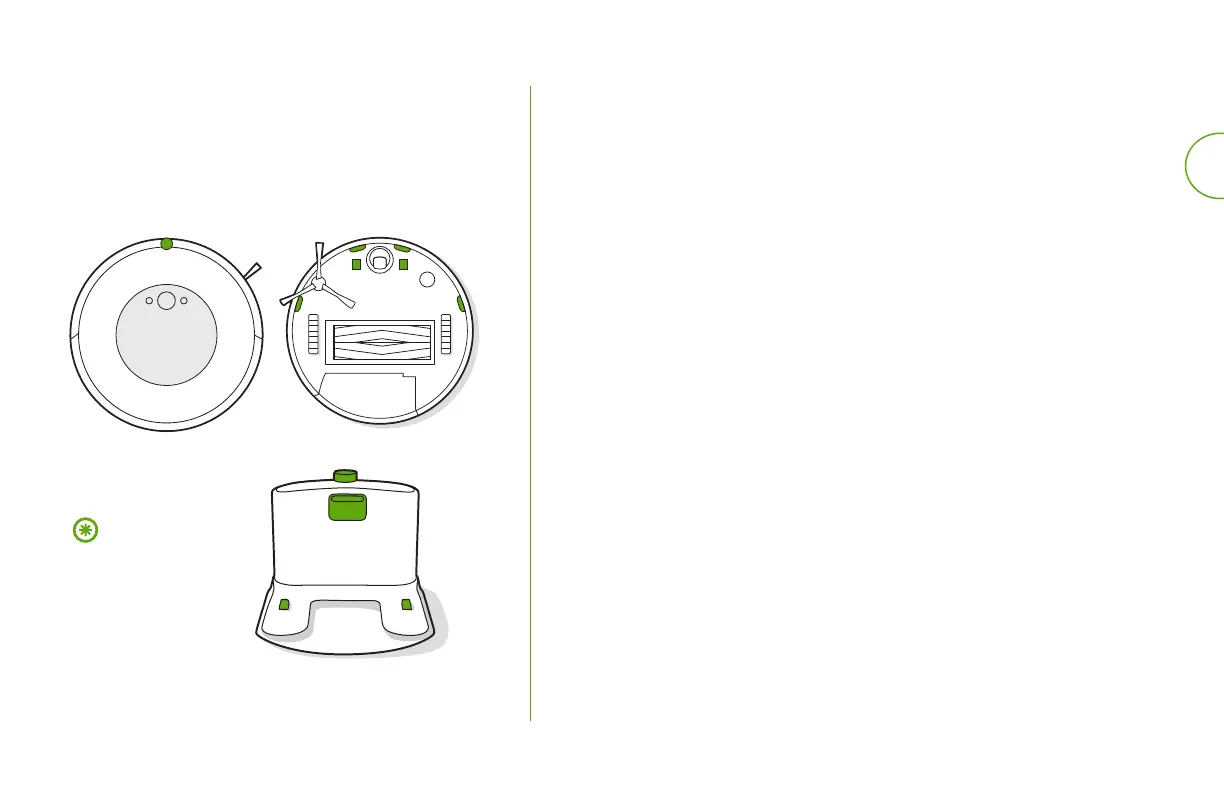
Cleaning the Sensors and Charging Contacts
Wipe sensors and charging contacts with a clean dry
cloth. You can alternatively use a pad of melamine
foam to remove built up debris on therobot and
Home Base charging contacts.
Important: Do not
spray cleaning
solution or water
onto the sensors or
sensor openings.
1
USA & Canada
If you have questions or comments about your Roomba
®
robot vacuum,
please contact iRobot before contacting a retailer.
You can start by visiting global.irobot.com for support tips, frequently asked
questions, and information about accessories. This information can also
be found in the iRobot Home App. If you need further assistance, call our
Customer Care team at (877) 855-8593.
iRobot USA Customer Care Hours
• Monday to Friday, 9 AM – 9 PM Eastern Time
• Saturday and Sunday 9 AM – 6 PM Eastern Time
Outside USA & Canada
Visit global.irobot.com to:
• Learn more about iRobot in your country
• Get hints and tips to improve your Roomba
®
robot vacuum’s performance
• Get answers to questions
• Contact your local support centre
iRobot Customer Care











 To Next Page