Roomba
®
i2 Owner’s Guide 2
EN
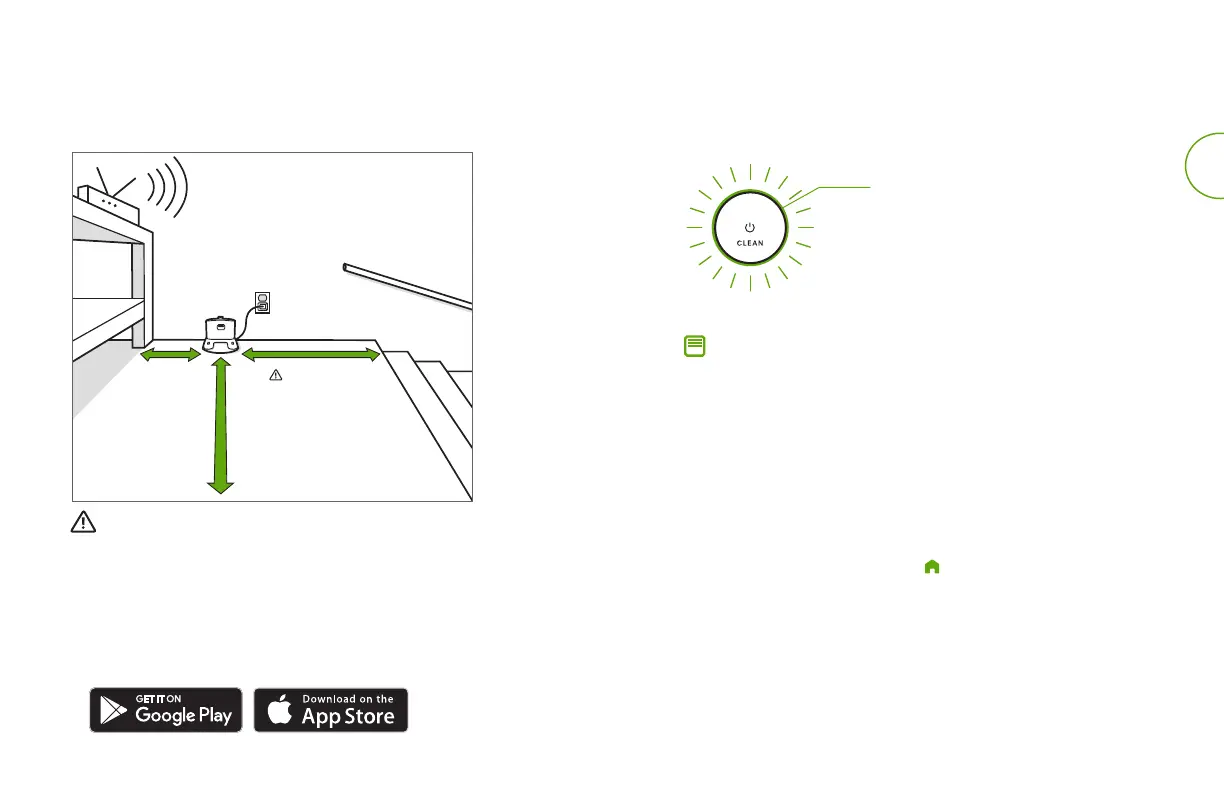
Good Wi-Fi
®
Coverage
*Objects are not to scale.
4ft. (1.2 m)
from stairs
4ft. (1.2 m)
in front
1.5ft. (0.5 m)
both sides
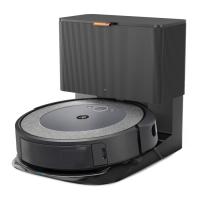
Positioning the Home Base Charging Station
WARNING: To prevent the risk of your robot falling down stairs when it is
leaving from or returning to the Home Base, ensure that the Home Base
isplaced at least 4 feet (1.2 metres) away from stairs.
Download the iRobot Home App and connect to Wi-Fi
®
• Follow step-by-step instructions to set up your Roomba.
• Set an automatic cleaning schedule and customise cleaning
preferences.
• Access to tips, tricks, and answers to commonly asked questions.
Charging
• Place the robot on the Home Base to activate the battery.
Note: Your robot comes with a partial charge, but we
recommend that you charge the robot for three hours prior to
starting the first cleaning job.
• If your robot needs to recharge mid-cleaning, it will return
to its Home Base. Once it is suciently charged, it will then
resume the cleaning job where it left o.
• The robot uses a small amount of power whenever it is on
theHome Base. You can put the robot in a further-reduced
power state when not in use. For instructions and more details
on this Reduced Power Standby Mode, refer to the iRobot
Home App.
• For long-term storage, turn o the robot by removing it from
the Home Base and holding down for 10 seconds. Store the
robot in a cool, dry place.
Using Your Roomba
®
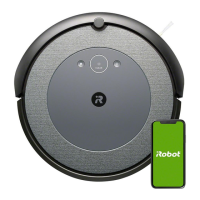
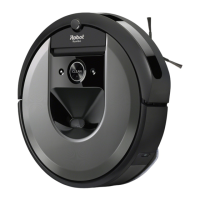
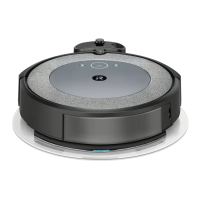
Robot Vacuum
White Light Ring While Charging
Solid White: fully charged
Pulsing White: charging
Pulsing Red: charging/low











 To Next Page