4 For more information, visit global.irobot.com
EN
Charging
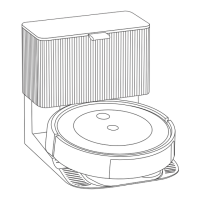
• Place the robot on the charging station to activate the battery.
Cleaning
• Your robot will automatically explore and clean your home in neat
rows, avoiding obstacles using its front-facing camera. It will return
to the charging station at the end of a cleaning job and whenever it
needs to recharge.
• The robot uses a small amount of power whenever it is on the
charging station. You can put the robot in a further-reduced power
state when not in use. To put your robot into Reduced Power Standby
Mode, remove the dust bin and tap the clean button 5 times. To exit
Reduced Power Standby Mode, place your robot on the charging
station and tap the clean button. For more details on this Reduced
Power Standby Mode, refer to the FAQ page on our website.
• For long-term storage, turn o the robot by removing it from the
charging station and holding down the clean button for
3 seconds with one wheel o the ground. Store the robot in
a cool, dry place.
• To end a job and send the robot back to its charging station, hold
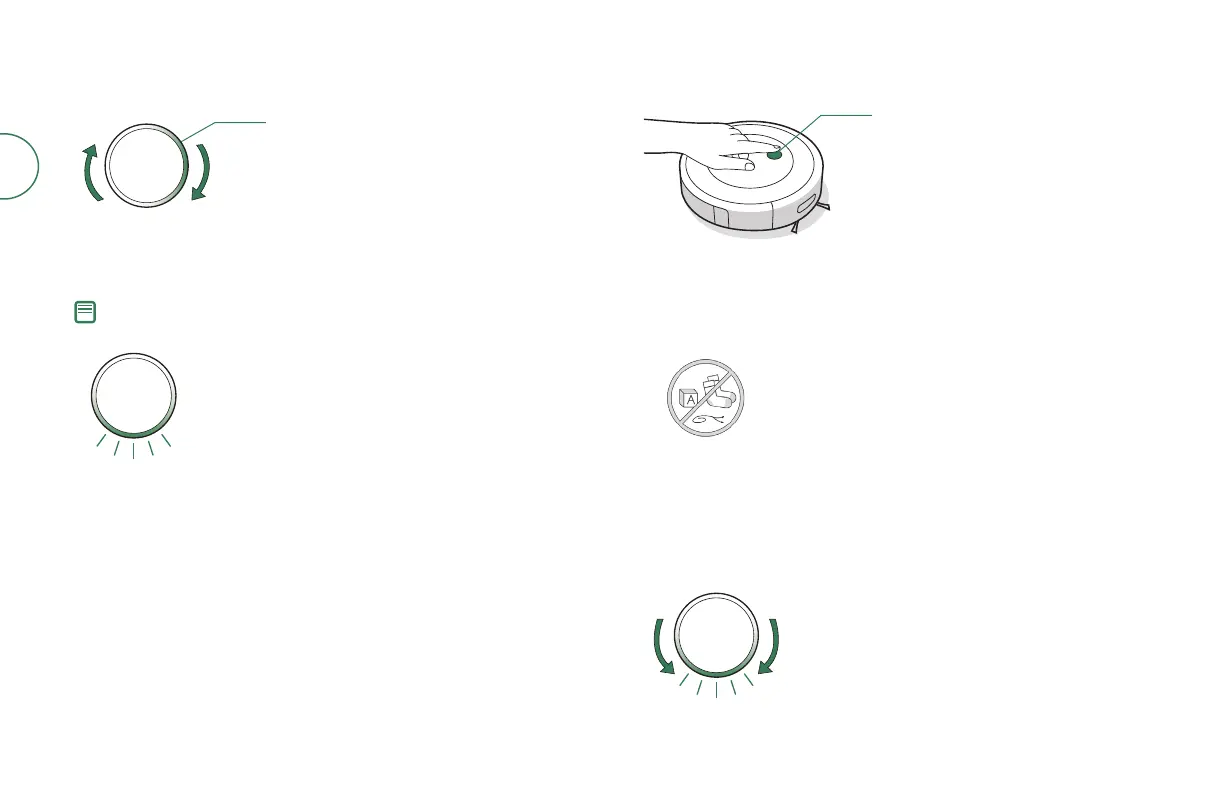
the clean button down for between 2-5 seconds. A blue light ring
pattern will indicate that the robot is seeking the charging station.
• When your robot detects an especially dirty area, it will engage Dirt
Detect™ mode, moving in a forwards/backwards motion to clean the
area more thoroughly. The light ring indicator will ash blue.
When the robot senses its bin needs to be
emptied, the light ring indicator will illuminate
in a red sweeping motion toward the rear.
CLEAN
Light Ring Spiral While Charging
White Spiral: charging
Red Spiral: charging, low battery
A solid white light will indicate the battery
charge percentage of your robot
Note: Your robot comes with a partial charge, but we recommend that you
charge the robot for 3 hours prior to starting the rst cleaning job.
When your robot is fully charged, the
light ring indicator will intermittingly
pulse white at the rear.
Just press the clean button
Tap to Start / Pause / Resume
Hold for 2-5 seconds to end a job
Your robot is able to recognise and avoid
objects. However, it is still recommended to
remove excess clutter before cleaning.





 To Next Page