Bluetooth PAIRING
Pairing
the
iRV
66
with
a Bluetooth device
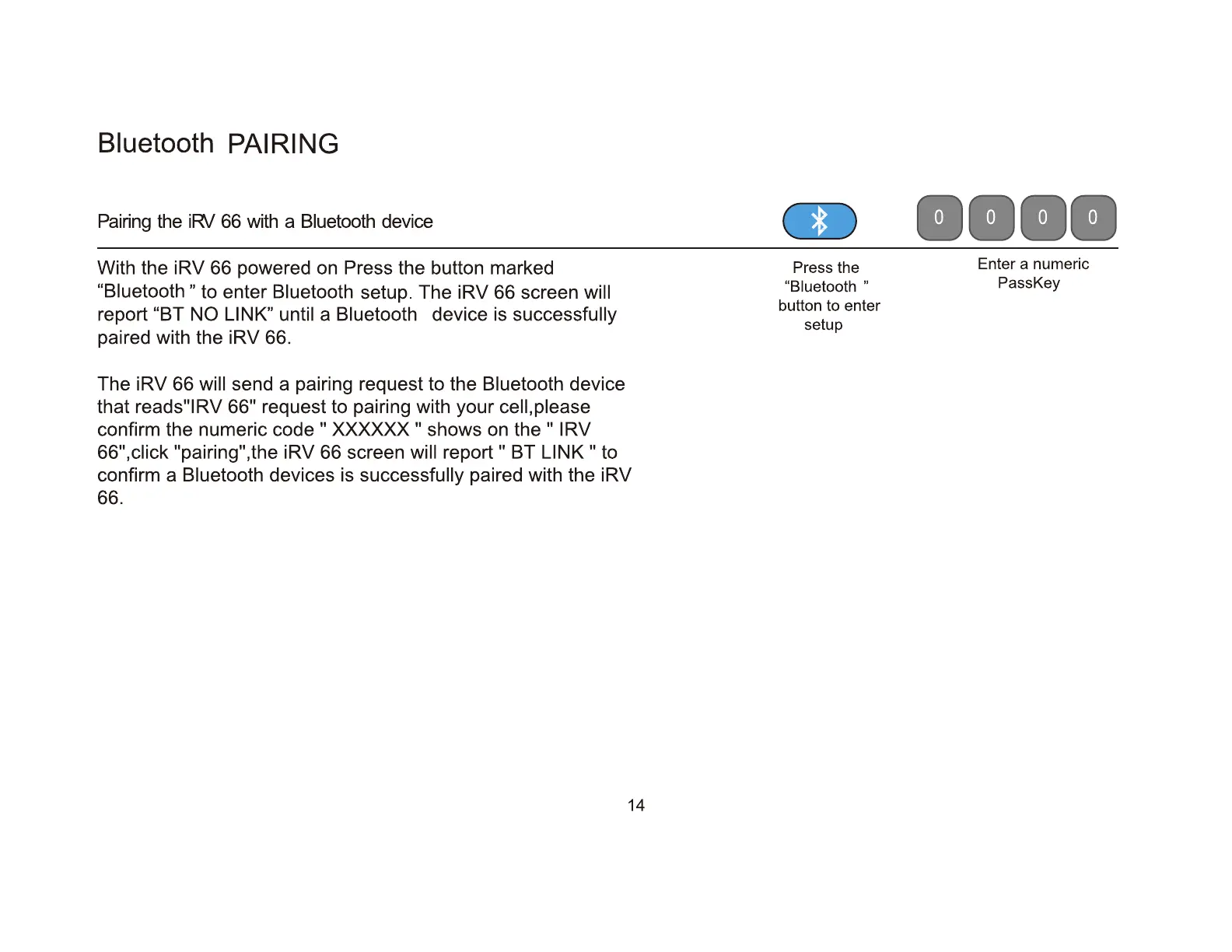
With the iRV 66 powered on Press the button marked
"Biuetooth" to enter Bluetooth setup. The iRV 66 screen will
report "BT NO LINK" until a Bluetooth device is successfully
paired with the iRV 66.
The iRV 66 will send a pairing request to the Bluetooth device
that reads
11
1RV
66
11
request to pairing with your cell, please
confirm the numeric code
II
XXXXXX
II
shows on the
II
I RV
66
11
,click "pairing",the iRV 66 screen will
report"
BT
LINK"
to
confirm a Bluetooth devices is successfully paired with the iRV
66.
14
..
....
Press
the
Enter a numeric
"Biuetooth " PassKey
button
to
enter
setup


 To Next Page