DVD/CD/MP3/MP4 OPERATION
To
Load USB and
SD
Media
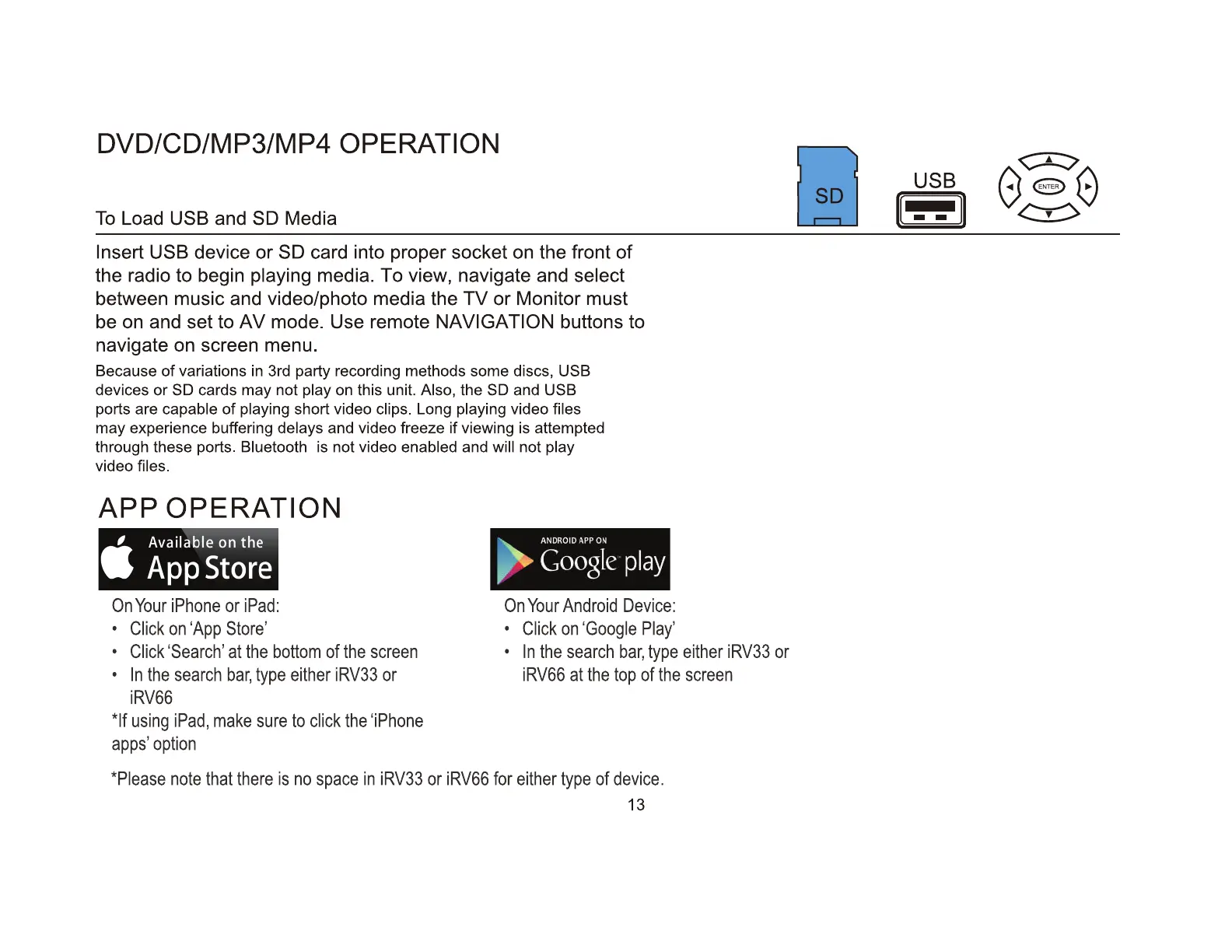
Insert USB device
or
SD card into proper socket on the front
of
the radio to begin playing media. To view, navigate and select
between music and video/photo media the
TV
or
Monitor must
be on and set to
AV
mode. Use remote NAVIGATION buttons to
navigate on screen menu.
Because
of
variations
in
3rd party recording methods some discs, USB
devices
or
SD cards may not play on this unit. Also, the SD and USB
ports are capable
of
playing short video clips. Long playing video files
may experience buffering delays and video freeze
if
viewing is attempted
through these ports.
Bluetooth is not video enabled and will not play
video files.
APP
OPERATION
On
Your
iPhone
or
iPad:
•
Click
on
'App
Store'
•
Click
'Search'
at
the
bottom
of
the
screen
•
In
the
search
bar,
type
either
iRV33
or
iRV66
*If
using
iPad,
make
sure
to
click
the
'iPhone
apps'
option
On
Your
Android
Device:
•
Click
on
'Google
Play'
•
In
the
search
bar,
type
either
iRV33
or
i
RV66
at
the top
of
the
screen
*Please
note
that
there
is
no
space
in
iRV33
or
iRV66
for
either
type
of
device.
13
USB
I--
II


 To Next Page