Contents
Safety Guidlines
Important
safety instructions
Safety compliance
2
Warnings 2
iRV
technologies
3
iRV 66 Features 5
Radio Operation 9
DVD/CD/MP3/MP4 Operation
12
App Operation 13
Bluetooth Syncing
14
Remote
Control
Guide 15
System Setup
18
Lanugage 19
Audio
20
Speaker
setup
20
Wiring Diagram
21
Troubleshooting
22
iRV
66
Specifications 23
CAUTICN:To.....,..tii•.W.:tle-.:tricetock,e'*
"""'"wvw
(o
r
bact)
.
No
I.IMI"'HNNCMtH
.,.,.
INkle..
R.WMPWidn
fiiiiD
ft
LIIIIItlild...W:.
,.._.,.,..
.
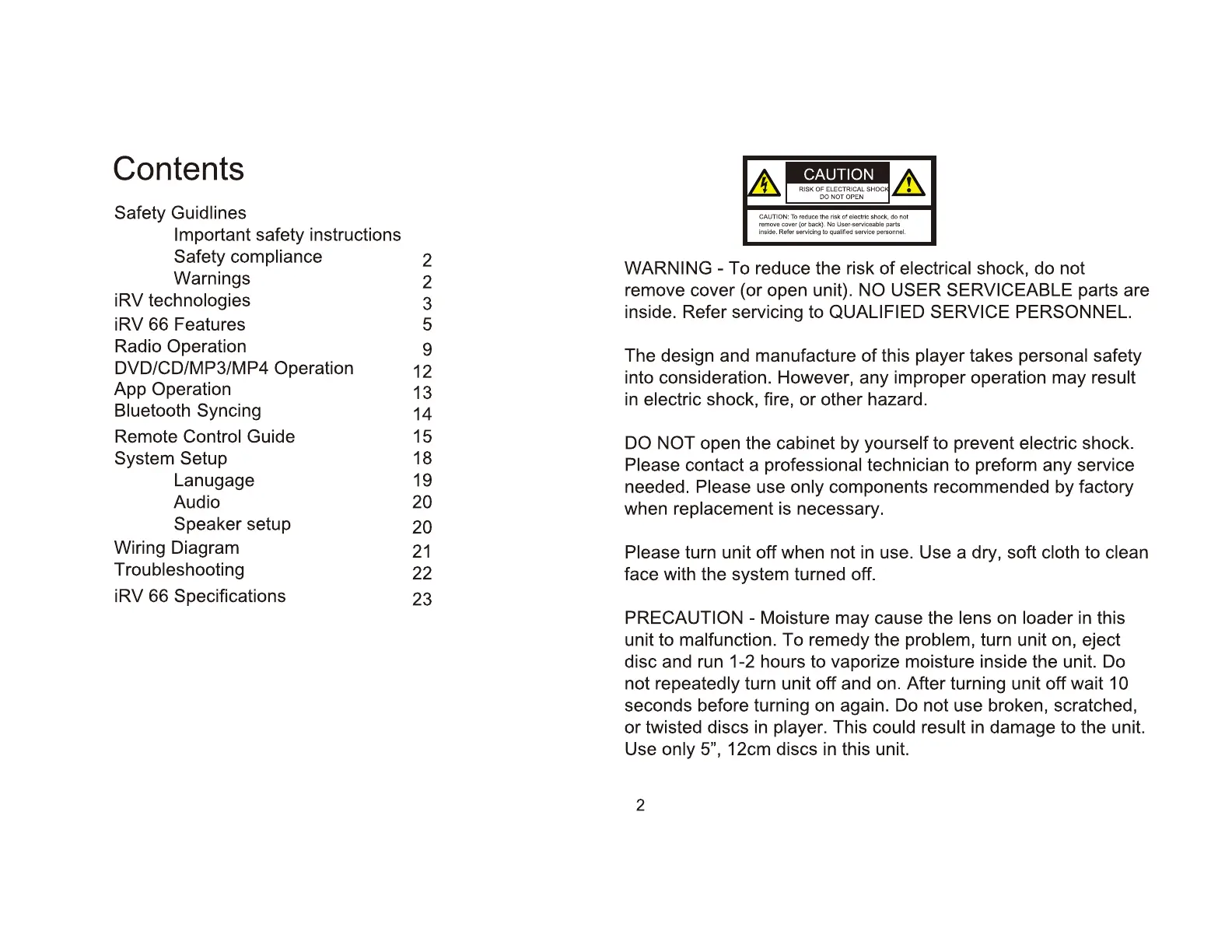
WARNING-
To reduce the risk of
electrical
shock, do not
remove cover (or open unit).
NO
USER SERVICEABLE
parts are
inside. Refer servicing to
QUALIFIED SERVICE PERSONNEL.
The design and manufacture
of
this
player
takes
personal
safety
into consideration. However, any improper operation may
result
in
electric
shock, fire,
or
other hazard.
DO NOT
open the cabinet by
yourself
to prevent
electric
shock.
Please
contact a professional
technician to preform any service
needed.
Please
use
only
components recommended by factory
when
replacement
is necessary.
Please
turn unit off when not
in
use. Use a dry, soft
cloth
to
clean
face with the system turned off.
PRECAUTION
- Moisture may cause the lens
on
loader
in
this
unit to
malfunction.
To remedy the
problem,
turn unit on, eject
disc and run 1-2 hours to vaporize moisture inside the unit. Do
not
repeatedly
turn unit off and on. After turning unit off wait
10
seconds before
turning
on
again. Do not use broken, scratched,
or
twisted discs in
player.
This
could result
in
damage to the unit.
Use
only 5",
12cm discs
in
this unit.
2


 To Next Page