EasyManua.ls Logo

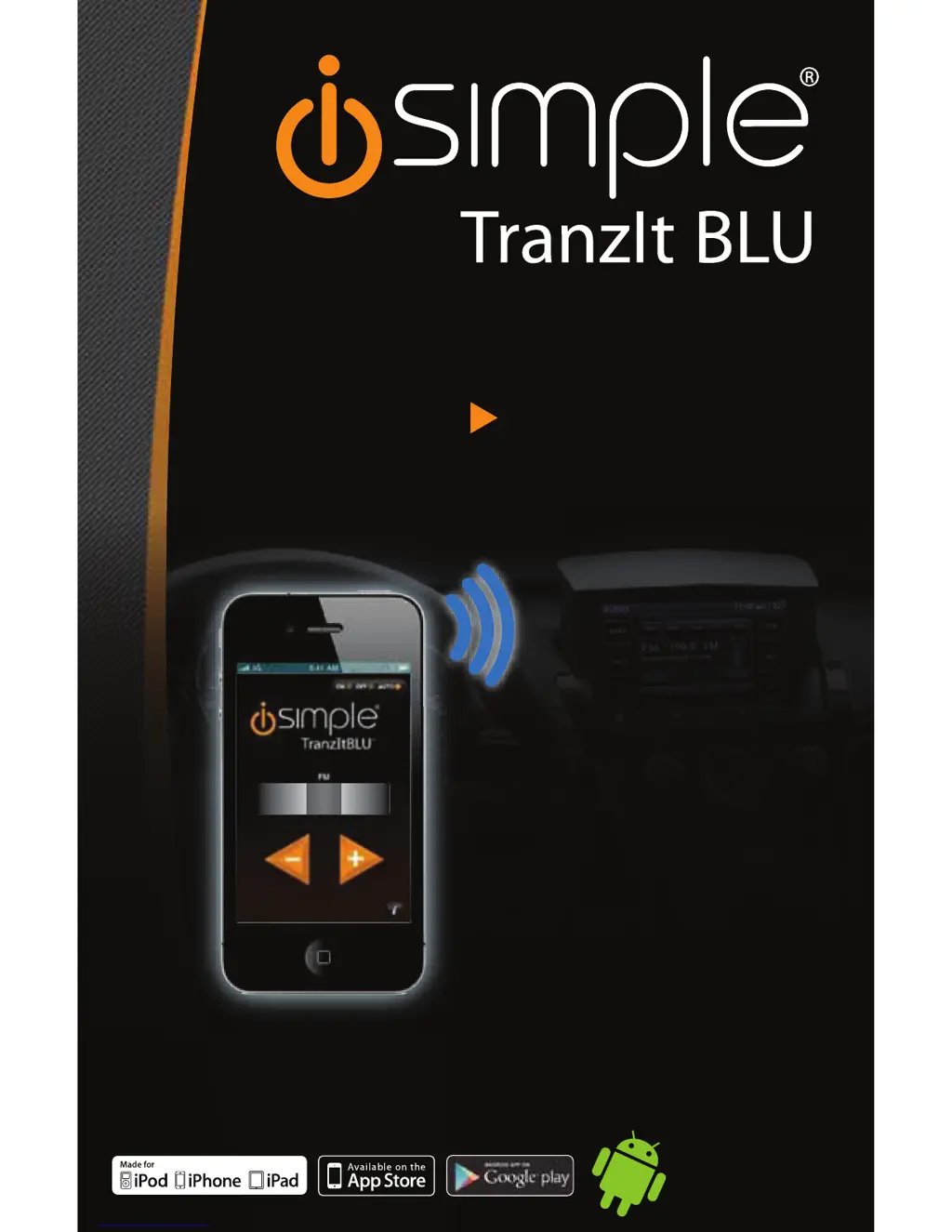
iSimple TranzIt BLU ISFM23 - User Manual

iSimple TranzIt BLU ISFM23
7 pages
Print Icon
To Next Page IconTo Next Page
Loading...
ISFM23
TranzIt
TM
BLU
I
S
FM2
3
TM
WIRELESS BLUETOOTH AUDIO
TO ANY CAR RADIO
MAKE THE CONNECTION
iSimple®
A Division of AAMP of America™
13190 56th Court Clearwater, FL 33760
Ph. 866-788-4237
support@isimplesolutions.com
©2012 AAMP of Florida, Inc.
ww w.isimplesolutions.com
Smartphones and
Bluetooth
media devices
98.3
98.2 98.4
98
.
3
7LYMLJ[MVY
(5+960+
Rev.072312

Other manuals for iSimple TranzIt BLU ISFM23

Questions and Answers

  • C
    candrewsAug 15, 2025
    What to do if I can't find iSimple TranzIt BLU when searching for Bluetooth devices?
    • K
      katherine16Aug 15, 2025
      If you can't find the iSimple TranzIt BLU when searching for Bluetooth devices, it might not be in pairing mode anymore. This mode only lasts for 2 minutes after you turn your vehicle on. To fix this, turn your vehicle off and then back on again. Try to pair your device within the first 2 minutes.
  • I
    ipayneAug 18, 2025
    What to do if I see a 'Pairing unsuccessful' message on my Apple device with iSimple Automobile Accessories?
    • S
      sparksstephenAug 18, 2025
      If you get a 'Pairing unsuccessful' message on your iPod, iPhone, or iPad when trying to connect to iSimple TranzIt BLU, it means the device didn't properly establish a Bluetooth connection. Try pressing 'Connect' again. If it still fails, turn the ignition off and then back on, and try pairing again.
  • L
    Lauren WilliamsAug 22, 2025
    How to fix iSimple Automobile Accessories when there is no audio from my device?
    • M
      Michael KelleyAug 22, 2025
      If you're not getting any sound from your Android, iPod, iPhone, or iPad when using your iSimple Automobile Accessories, there are a couple of things to check: * First, make sure your radio is tuned to the correct station, which should be 88.3FM. * If that doesn't work, the device might not be paired. Please reference section 5 for device pairing.
  • C
    Crystal Chen DVMAug 25, 2025
    Why is the audio distorted with my iSimple Automobile Accessories?
    • K
      kenneth41Aug 25, 2025
      Audio distortion with your iSimple Automobile Accessories can occur if the input from your Android device is too loud. Try turning down the volume on your Android Device, iPod, iPhone, or iPad until the distortion disappears.
  • C
    Cindy SantiagoAug 28, 2025
    How to access regular FM stations with iSimple Automobile Accessories?
    • D
      Dana PetersonAug 28, 2025
      To access regular FM stations with your iSimple Automobile Accessories: * If the ISFM23 is active, pause the Android Device, iPod, iPhone or iPad, and wait 8 seconds. * Alternatively, access the ISFM23 App and select the OFF option.
  • K
    Kenneth WagnerAug 31, 2025
    What to do if my iPod says 'Pairing unsuccessful' with iSimple TranzIt BLU ISFM23 Car Receiver?
    • N
      Nicholas SmithSep 1, 2025
      If you see a 'Pairing unsuccessful' message on your iPod, iPhone, or iPad when trying to connect to the iSimple Car Receiver, it means the device didn't properly establish a Bluetooth connection. Try pressing "Connect" again. If it still fails, turn the ignition off and then back on, and try pairing again.
  • K
    Katrina PayneSep 3, 2025
    Why is there no audio from my iPhone with iSimple Car Receiver?
    • P
      Perry JonesSep 4, 2025
      If you're not getting any audio from your Android device, iPod, iPhone, or iPad through the iSimple Car Receiver, it could be due to a couple of reasons. First, make sure your car radio is tuned to the correct station, specifically 88.3FM. Also, the device may not be paired. Please reference section 5 for device pairing.
  • M
    Michelle LeeSep 7, 2025
    How to fix distorted audio on iSimple TranzIt BLU ISFM23?
    • C
      cindy85Sep 7, 2025
      If the audio from your iSimple Car Receiver is distorted, it's likely that the input volume from your Android device, iPod, iPhone, or iPad is too high. Try turning down the volume on your device until the distortion disappears.
  • C
    Christine FullerSep 12, 2025
    What to do if I cannot access regular FM stations on iSimple Car Receiver?
    • M
      Miguel ChambersSep 12, 2025
      If you cannot access regular FM stations when using the iSimple Car Receiver, it might be because the ISFM23 feature is active. Pause the audio on your Android Device, iPod, iPhone, or iPad and wait 8 seconds. Alternatively, access the ISFM23 App and select the OFF option.

Summary

Introduction

ISFM23 Components

Installation Options

Connecting to any FM equipped radio

Details connecting the ISFM23 to a car radio via antenna connections for FM broadcast.

Connecting to a radio with RCA auxiliary audio input

Explains connecting the ISFM23 to a car radio using RCA auxiliary audio inputs.

Frequency Selection and App Operation

Selecting the ISFM23 Frequency

Guide on adjusting the broadcast FM frequency using the module or app.

Bluetooth Pairing and Connecting

Troubleshooting

Warranty Information

One Year Limited Warranty

Outlines the terms and conditions of the limited product warranty.

iSimple TranzIt BLU ISFM23 Specifications

General IconGeneral
BrandiSimple
ModelTranzIt BLU ISFM23
CategoryCar Receiver
BluetoothYes
Bluetooth Version4.0
USB ChargingYes
USB PortYes
Auxiliary InputYes
FM ModulationYes
FM RadioYes
Power Supply12V DC
CompatibilityUniversal

Related product manuals