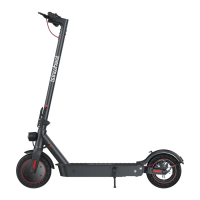
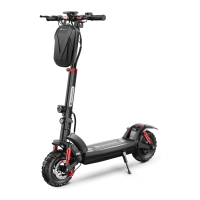
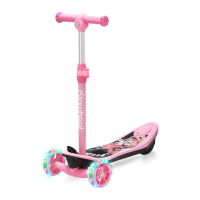
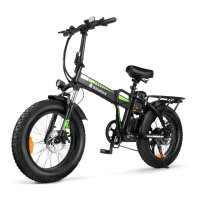
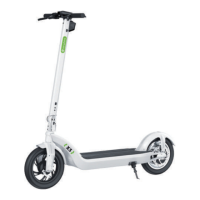
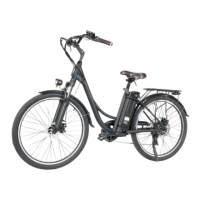
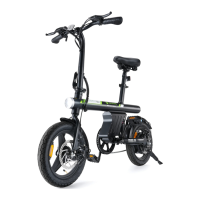
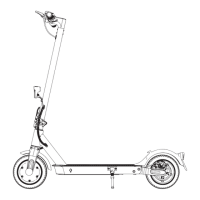
isinwheel detailed parameters of electric scooters on sale:
What if there is any problem of the scooters
Contact us via the information on the last
page of the manual
We will provide a satisfied solutions with 24
hours.
180-day Quality Assurance for Motor and
battery
12-month Quality Assurance for other
else
If you need to return an item, please contact
us to provide you with a free return label so
that you do not need to pay for shipping
yourself.
Scooter seems to make noise
It may be the disc brake noise.
To remove the disc brake noise:
First make sure the scooter is turned off.
1. Loosen two screws on the pump (not the
screw on the rocker).
2. Adjust the position of the disc brake
pump to ensure that the brake disc is in
the middle of the two brake pads.
3. Keep the brake disc and brake pad not
touching each other.
4. Hold the disk brake pump in the desired
position, then retighten the screws to the
pump.
Or contact customer service to get an
operation video.

 Need help?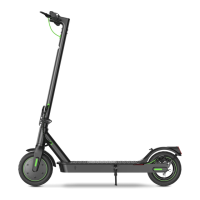

 To Next Page
 General