Page 7
Installation manual
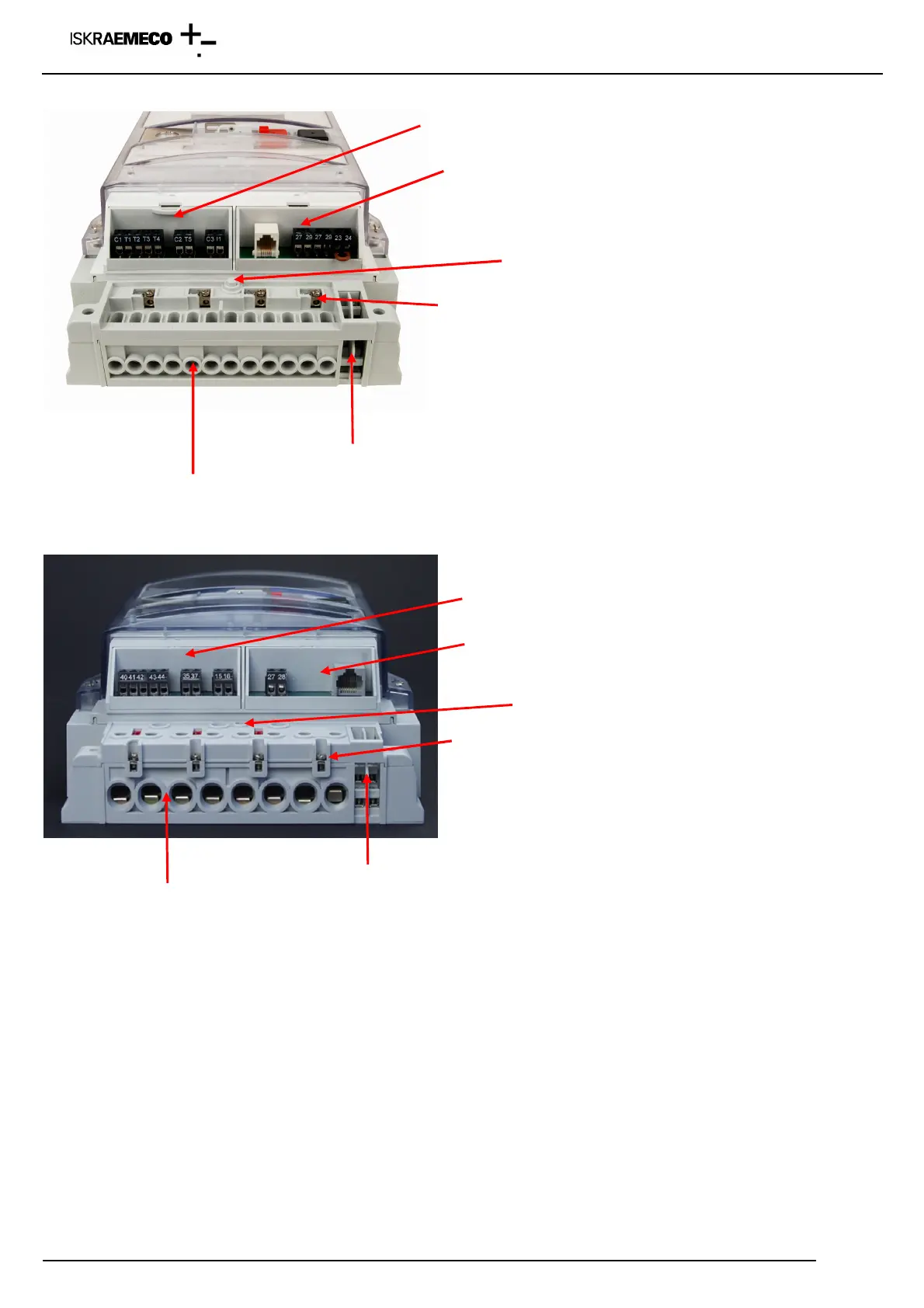
Auxiliary terminals
Voltage and current terminals
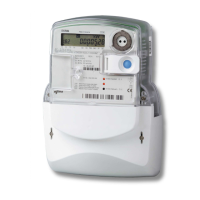
Fig. 7: Terminal block – indirect connected meter MT831
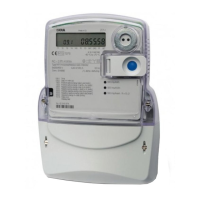
Auxiliary terminals
Voltage and current terminals
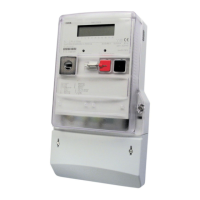
Fig. 8: Terminal block – direct connected meter MT831
Input – Output modules
Regarding the module programming, two versions exists:
• “Factory preprogrammed” modules: terminal function is burned in the module memory, meter automatically
acccept the module setting, terminals are denotated according to the VDEW denotation, modules could be
reprogrammed only in the factory or with special factory tool – Module Programmator
• “Empty” modules: modules are programmed as empty, terminal function is defined by meter parameters – meter
defines the terminal function, terminals are denotated as T1, .. Tn for outputs and I1, In for inputs
When moudule is inserted into the meter, cursor IM must be ON. If it blinks, module is not programmed properly or it is
not programmed at all. Module must be sent back to the factory.
Sensor for terminal cover opening
Communication module
Communication module
Input-output module
Input-output module
Sensor for terminal cover opening
Additional voltage terminal
Additional voltage terminal


 To Next Page