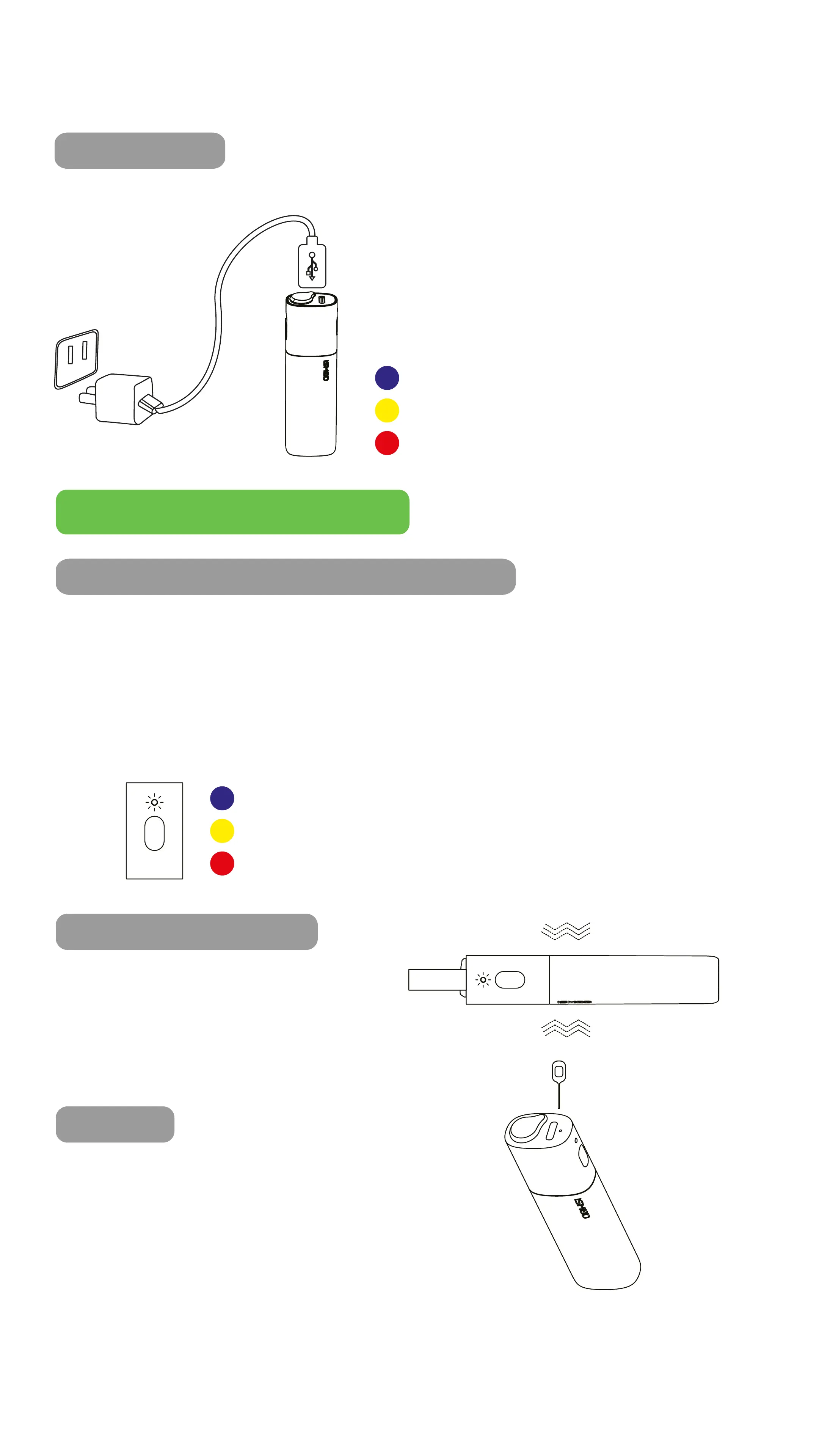
6. CHARGER
Blue LED light: 100%-60%
Yellow LED light: 60%-10%
Red LED light: 10%-0%
6. OPERATION INSTRUCTIONS
1. INDICATION OF REMAINING POWER
How to check the remaining battery capacity?
Click the heating button to activate the LED lamp when
the device is turned o.
The LED light will indicate the remaining battery capacity.
The LED light color indication are as follows:
Blue LED light: 100%-60%
Yellow LED light: 60%-10%
Red LED light: 10%-0%
2. QUICK SHUTDOWN
Press and hold the switch
button for 1.5 seconds after
the vibration.
3. RESET
In case of abnormal light flashing or
any other malfunction, insert a pin into
the reset button and reset the device.
Connect the USB cable to the
charging adapter.
The LED light will flash in
dierent colors to indicate the
battery power.
When the device is fully charged,
the LED light turns o.



 To Next Page