SD MEMORY CARD SETTINGS AND RECORDING ACCESS
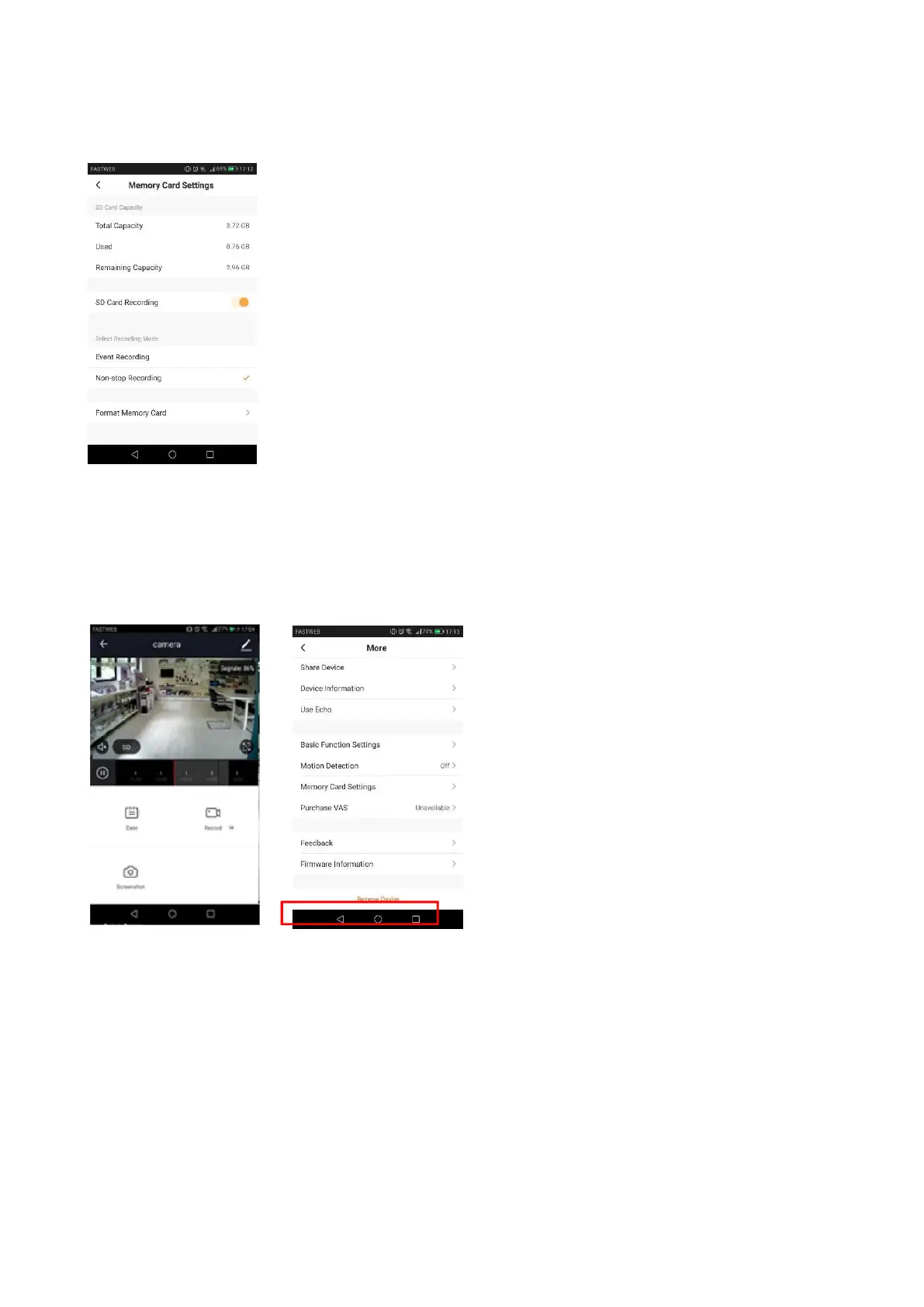
By accessing the camera settings, you can check the capacity of the inserted micro SD card,
recording mode (continuous or on motion event), format it. Please, format the micr SD card before
using it.
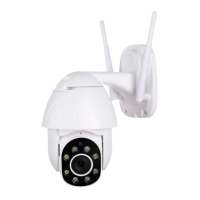
In the main view (commands), you can access the recordings simply by selecting the
date. Note: The recording files have .MEDIA extension. You can view them via app.
RESET FACTORY SETTINGS
To reset to factory settings, you must delete the camera from the app by accessing the settings
camera.
ASSOCIATION WITH AMAZON ALEXA
Access the skills from the alexa app, search HeySmart and connect your account. Once the
connection is established, ask Alexa to search all devices to add them.


 To Next Page