Need help?
Do you have a question about the ISOtunes FREEAWARE and is the answer not in the manual?
Describes touch controls for the left earbud, including Aware Technology and music functions.
Details touch controls for the right earbud for music, calls, and assistant.
Explains LED indicator lights for charging status (solid red for charging, solid blue for fully charged).
Details the indicator lights for the charging case battery level.
Notes on using the correct USB C cable and voltage for charging.
Describes powering on/off by opening/closing the charging case.
Details powering on/off via touch and hold on the earbuds.
Explains LED indicators for power status (blue flash for ON, red flash for OFF).
Outlines the steps for pairing the earbuds with a device via Bluetooth settings.
Describes the LED light behavior during pairing mode (alternating red and blue flash).
Explains single, double, and triple tap gestures for play/pause and track skipping.
Notes that volume control is managed by the paired device.
Details gestures for answering, ending, rejecting, and placing calls on hold.
Explains how to activate voice assistants via touch and hold.
Provides step-by-step guidance on how to properly fit the earbuds for optimal comfort and performance.
Describes how to perform a factory reset to resolve issues with power, pairing, or touch functionality.
Details fitting requirements for achieving noise attenuation standards.
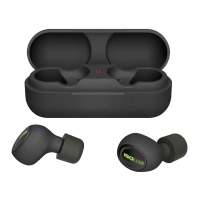
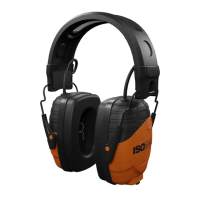
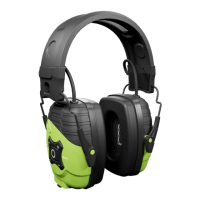
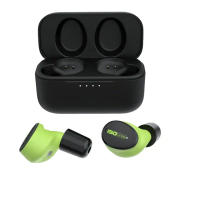
Lists the available product models, including IT-15 and IT-16.
Highlights critical safety information and warnings for product use.
Explains the ANSI standard for hearing protection, including NRR calculation and example.
Details the EN 352 standard for hearing protectors, including frequency ranges and attenuation estimations.
Provides instructions for cleaning and maintaining the earbuds and eartips.
Lists critical warnings for safe usage and recommendations for optimal performance.
Outlines the FCC rules and conditions for device operation.
Provides contact details for UK & Europe and North America support.

 To Next Page
 General