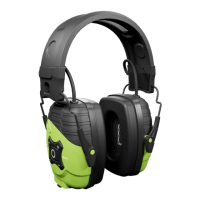
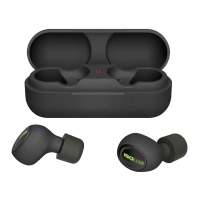
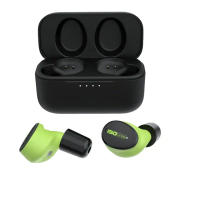
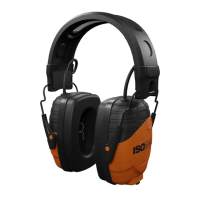
Need help?
Do you have a question about the ISOtunes LINK and is the answer not in the manual?
Verify Right and Left labels on earcups for proper fit and orientation.
Details functions of MFB, Volume Up/Down, and track navigation buttons.
Identifies charge port, LED indicator, and Bluetooth microphone location.
Steps for inserting and connecting the Lithium Battery Pack for initial use.
Instructions for removing the Lithium pack and inserting compatible AAA batteries.
How to turn the device on and off using the Multi-Function Button (MFB).
Steps to pair the headphones with a Bluetooth-enabled device for wireless audio.
Procedure for pairing and connecting to two devices simultaneously.
How to reset Bluetooth pairing by holding Volume Up and Down buttons.
Explains how to play, pause, skip tracks, and adjust volume.
Instructions for answering, ending, and rejecting incoming calls.
Method to activate Siri or Google Assistant using the MFB.
Details the NRR, its meaning, and the importance of proper fitting for noise reduction.
Information on EU conformity standards and product certifications for hearing protection.
SafeMax™ limits volume; instructions for cleaning with a damp cloth.
Battery replacement, automatic power off, and usage warnings.
Proper cleaning, drying, storage, and wear for optimal performance and longevity.
Covers Bluetooth compatibility, audio limits, and ordering replacement parts.
Details FCC rules, interference guidelines, and RF exposure compliance for the transmitter.
Provides support email addresses and phone numbers for UK, Europe, and North America.
 General
| Bluetooth Version | 5.0 |
|---|---|
| Water Resistance | Yes |
| IP Rating | IP45 |
| Microphone | Yes |
| Charging Time | 2 hours |
| Wireless Range | 30 feet |
| Compatibility | Bluetooth devices |

 To Next Page