17
Visible Bluetooth Setting:
Label Sensor Setting:
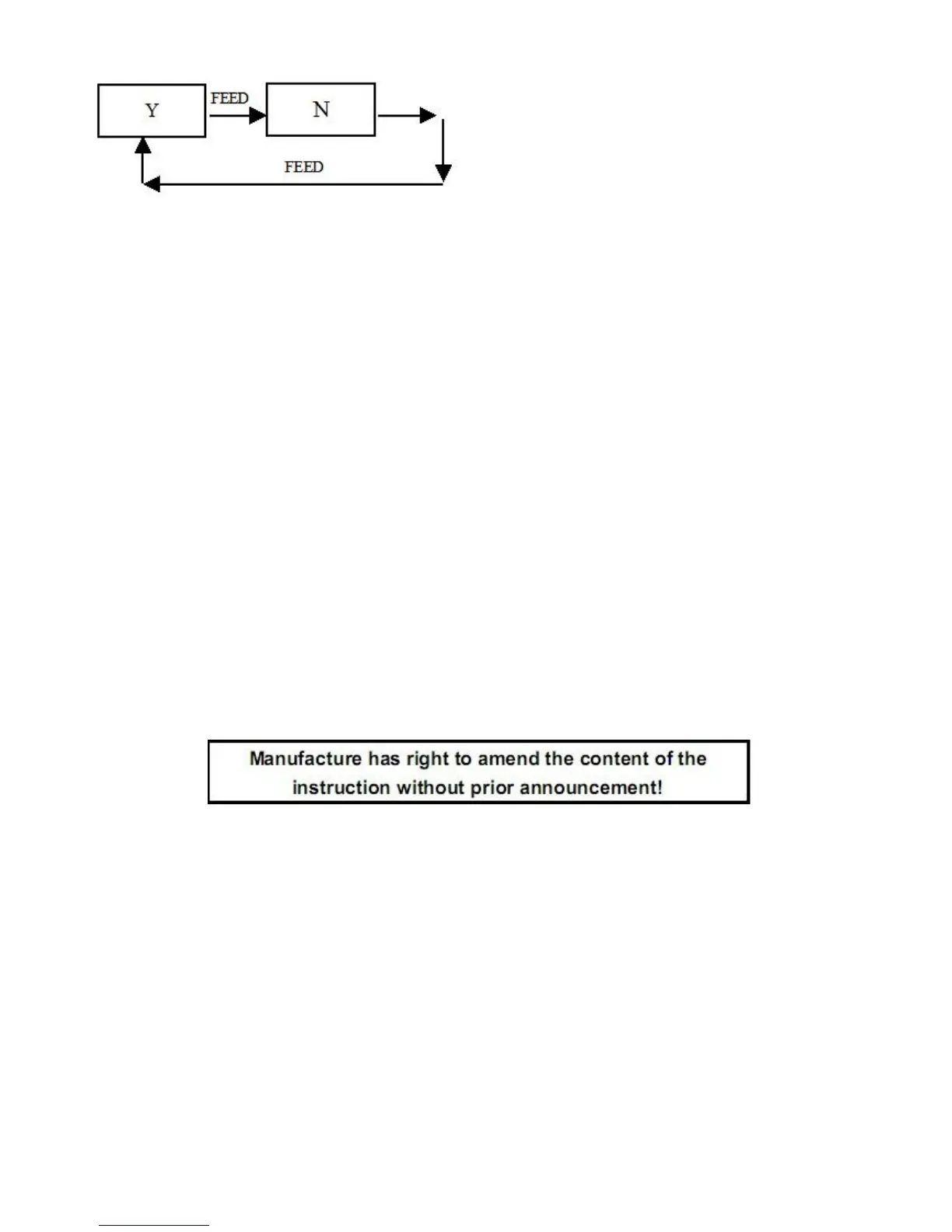
Under standard mode, set as label paper under paper mode. Press【MODE】button,
adjust the setting items to label sensor setting, then press 【FEED】button, the printer
will feed paper by 260mm, and print out the self-test paper for max power voltage, min
voltage, set threshold voltage and the voltage difference value between the max and
min voltage. It’ll save the value after 5 seconds.
Black Mark Sensor Setting:
Put the 44mm black mark paper directly into printer under Logistics mode ( set as
black mark paper under Standard mode). Press【MODE】button, adjust the setting
items to black mark sensor setting, then press 【FEED】button, the printer will feed
paper by 260mm, and print out the self-test paper for max power voltage, min voltage,
set threshold voltage and the voltage difference value between the max and min
voltage. It’ll save the value after 5 seconds.


 To Previous Page