7
A Word about Wireless Products
This product uses state-of-the-art wireless
transceiver technology operating in the 2.4GHz
frequency band to deliver the highest quality
wireless audio to your speakers. This same
frequency band is used for wireless LANs,
microwave ovens and some cordless phones.
Typical operating range in a residential or offi ce
environment is approximately 100ft. As with all
wireless devices, the iSymphony W2’s operating
range may vary depending upon building
construction, building materials, atmospheric
conditions and sources of interference. The
presence of substantial amounts of metal and
concrete in a building’s structure may reduce
operating range.
For best performance, please follow the following
simple guidelines.
Minimum Separation from Other
Devices
To avoid interference, maintain the following
distances between system components (wireless
main unit and wireless speakers) and other
electronic devices that use the same radio
frequency (2.4 GHz band).
Speaker Set-Up
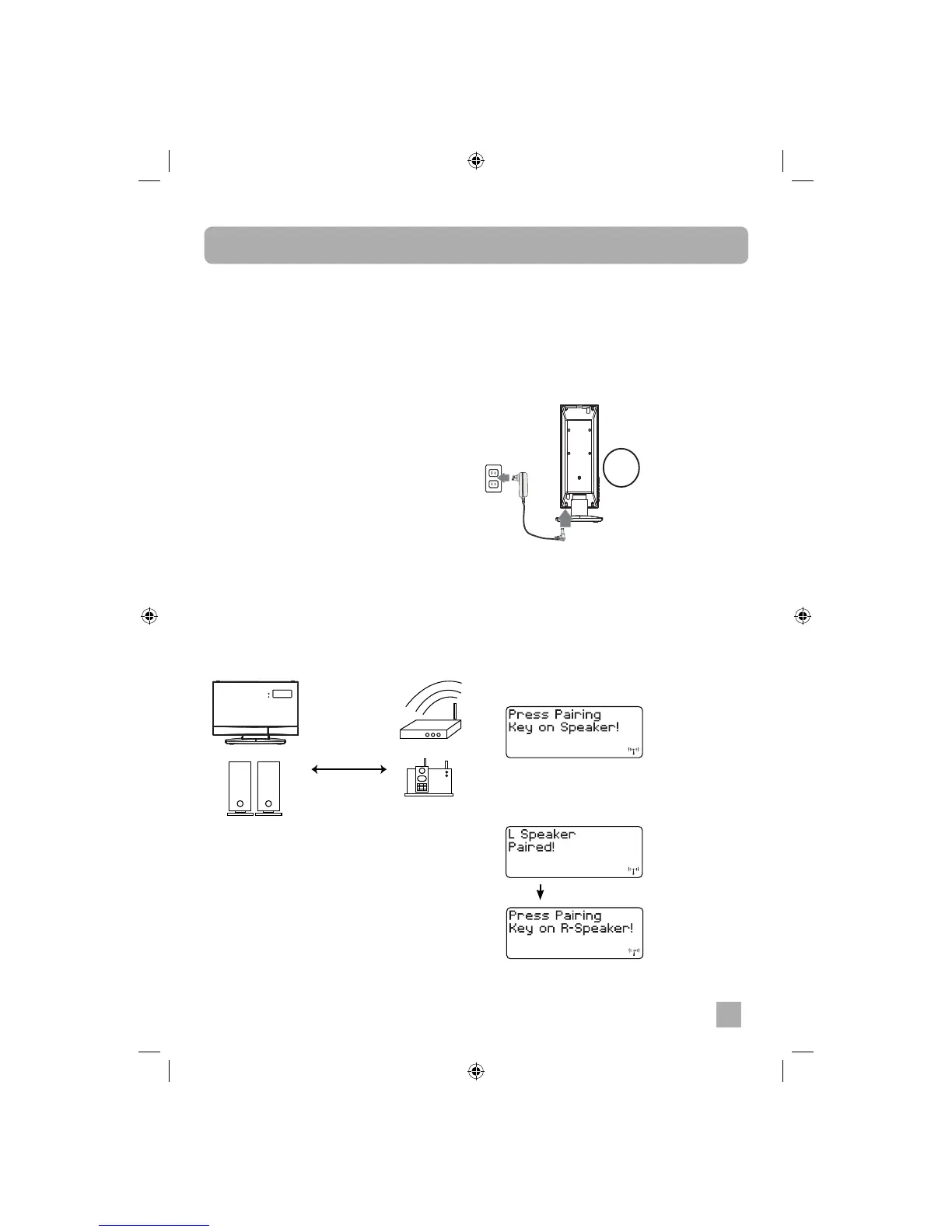
Wireless main unit
Wireless LAN
Cordless phone and other
electronic devices
Wireless speakers
Minimum Separation
2m (6 ½ feet)
Set-Up
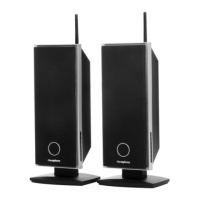
In order to confi gure the WS2 wireless speakers
to work with an existing wireless main unit you
must fi rst pair the speakers and the main unit.
To power the speakers:
Connect both speakers to the adapters and then
to AC power.
To pair speakers:
Make sure the wireless speakers and wireless
main unit are in the operating locations and
connected to AC power. Power ON the wireless
main unit and the wireless speakers.
1. Press the PAIRING button on wireless main
unit front panel or on the remote control for
6 seconds until the display shows “Press
Pairing Key on Speaker!”
2. Press the PAIRING button on the Left
speaker or Right speaker control panel.
• If the left speaker the PAIRING button is
pressed:
X2


 To Next Page