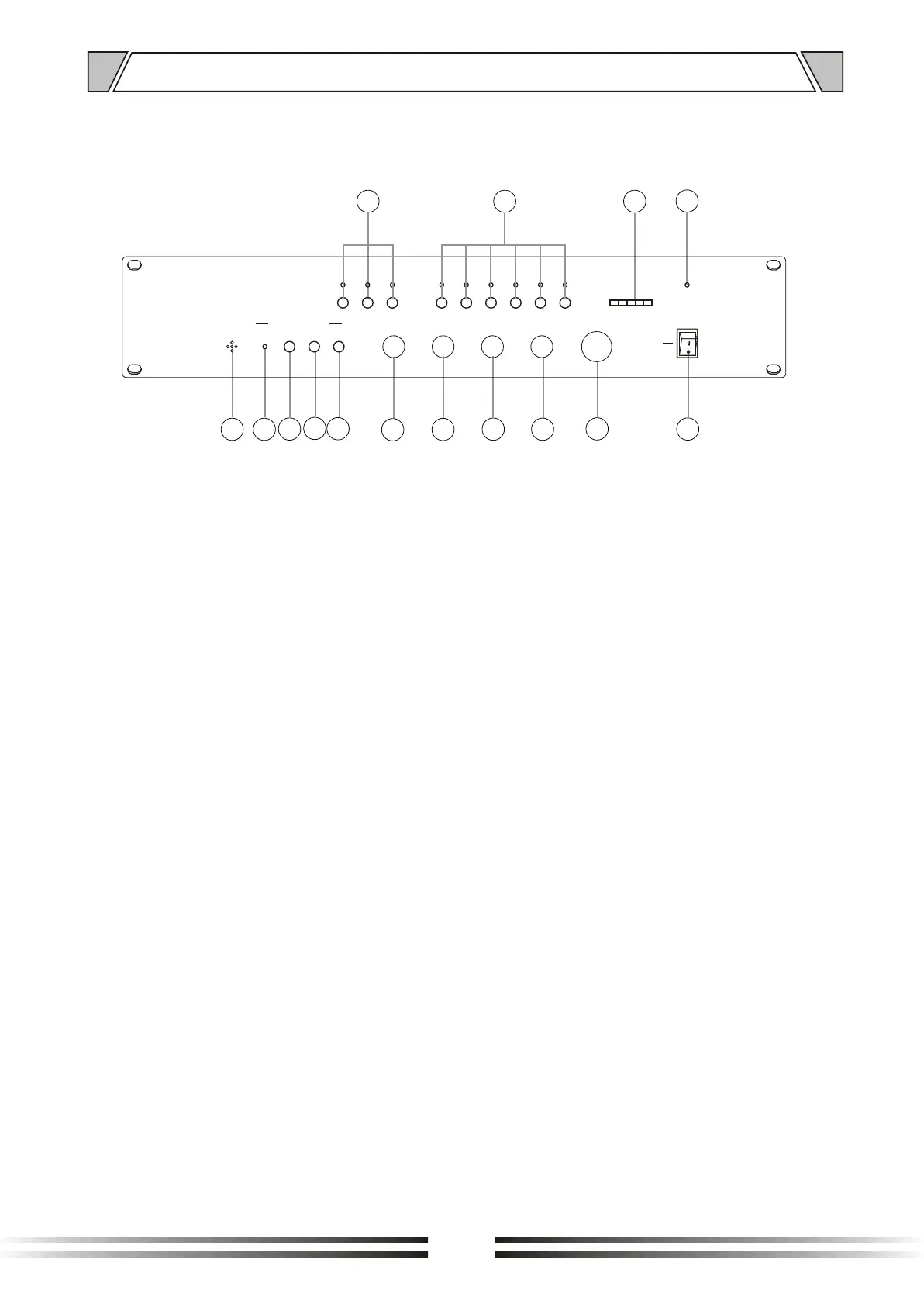
4.1 FRONT PANEL
1. AUDIO
key switch for audio input channel selection:
Tape, CD, Tuner
2. ZONE(1~6)
buttons for music selection In the 6 different zones
3. OUTPUT LEVEL
Signal level indicator
4. POWER
Power indicator
5. POWER SWITCH
On top of the opening Power
Press the end, power shut down
6. MASTER
Master level control
7. TREBLE
Adjust treble response. Rotate clockwise to increase
treble output and anticlockwise to reduce it.
8. BASS
Adjust bass response. Rotate clockwise to increase
bass output and anticlockwise to reduce it.
4. NOMENCLATURE AND FUNCTIONS
9. MUSIC
Music volume control
10.MICRO
Microphone volume control
11.REC
Key switch Rec message
Three messages of 60 seconds each
could be recorded; for message selection
see switch(13) on rear Panel
12.STOP
Key switch stop message
13.PLAY
Key switch play message for manual activation
14.ACTIVE
Indicator play message
15.MIC
Internal microphone for message recording
1
3
4
2
5
6
7
8
9
10
11
12
13
14
15
6
ON
OFF
POWER
MUSICMICRO
RECSTOPPLAY
ACTIVEMIC
ZONE5
ZONE6
ZONE1
ZONE2 ZONE3 ZONE4TUNERCDTAP E
OUTPUT LEVEL
0 0
0
1 1
1
2 2
2
3 3
3
4 4
4
5 5
5
6 6
6
7 7
7
8 8
8
9 9
9
10 10
10
MASTERBASS TREBLE
0 0
-10 -10
-8 -8
-6 -6
-4 -4
-2 -2+2 +2
+4 +4
+6 +6
+8 +8
+10 +10
MESSAGE RECORDER

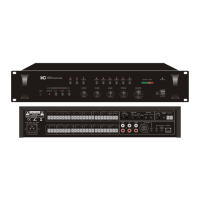

 To Next Page