EasyManua.ls Logo

ITech North Cape - User Manual

ITech North Cape
25 pages
Print Icon
To Next Page IconTo Next Page
Loading...
ITECH
di Moro Giampaolo
North Cape
North Cape Plus
Clever
Baby
Baby Evolution
North Cape 7
5
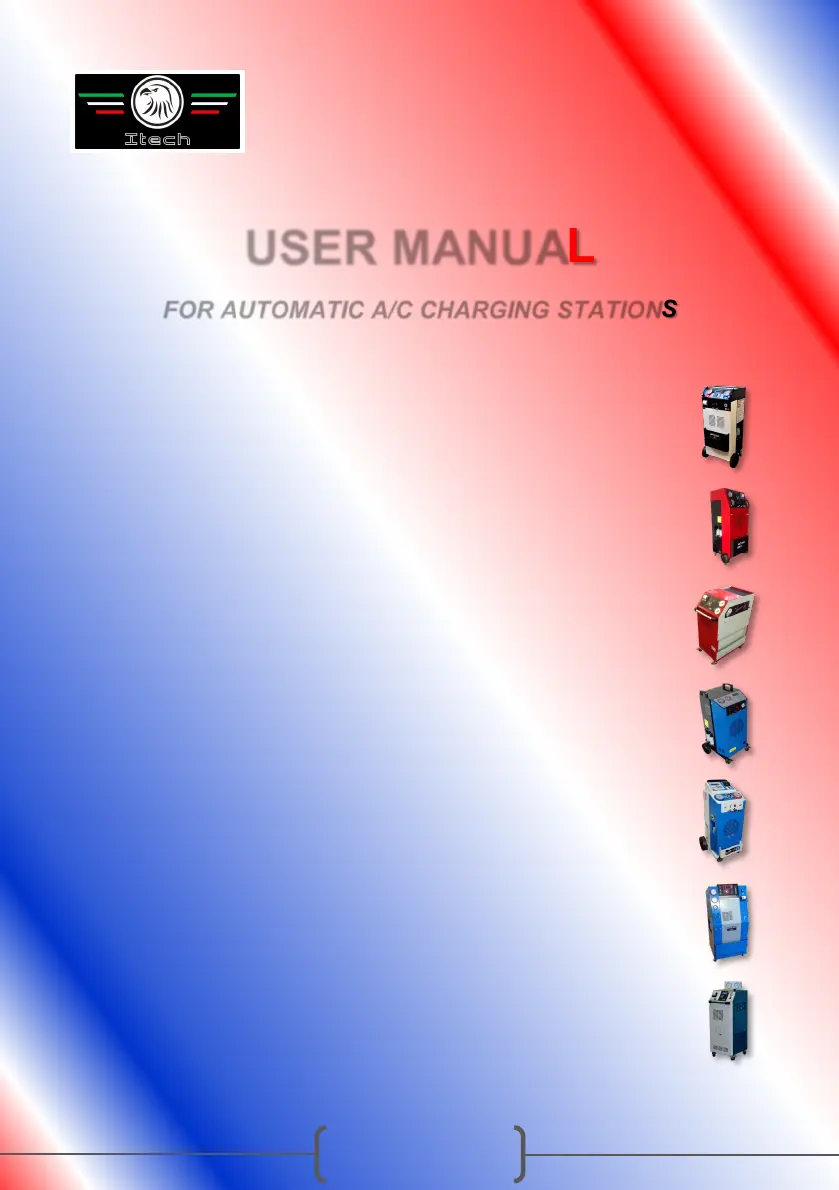
USER MANUAL
FOR AUTOMATIC A/C CHARGING STATIONS

Questions and Answers

  • K
    Kimberly EdwardsAug 14, 2025
    How to fix ITech Battery Charger when the station doesn’t work and the switch is not illuminated?
    • J
      Jennifer DonaldsonAug 14, 2025
      If the ITech Battery Charger station doesn’t work and the switch is not illuminated, the suggested solution is to check the main fuse located in the feeding socket.
  • C
    Curtis KingAug 17, 2025
    What to do if the ITech North Cape Battery Charger station works but doesn't accept input from the control panel?
    • S
      Samuel SandersAug 17, 2025
      If the ITech Battery Charger station works, but does not accept any input from the control panel, the possible solutions are to replace the CPU motherboard, display card, or display connection cable.
  • M
    Michael MillerAug 20, 2025
    Why is the display not illuminated when turning on the ITech North Cape station?
    • S
      Samuel MartinezAug 21, 2025
      If, when turning on the ITech Battery Charger station, the display is not illuminated, it may be necessary to replace the CPU motherboard, display card, or display connection cable.
  • H
    Hayley GonzalezAug 25, 2025
    What to do if the vacuum phase does not create vacuum in ITech North Cape?
    • M
      Melissa SimpsonAug 25, 2025
      If the ITech Battery Charger's vacuum phase does not create vacuum, the suggested solution is to replace the vacuum pump.
  • A
    Andrea MaysAug 27, 2025
    Why does ITech Battery Charger bypass recovery phase and switch to vacuum phase?
    • R
      Robert OlsonAug 27, 2025
      If, at the beginning of the cycle, the ITech Battery Charger station bypasses the recovery phase and switches directly to the vacuum phase, consider replacing the CPU motherboard or the pressure switch.
  • D
    David RasmussenAug 31, 2025
    How to fix gas charging not completed on ITech North Cape Battery Charger?
    • T
      tbaileyAug 31, 2025
      If gas charging is not completed in the ITech Battery Charger, you should replace the solenoid valve CHARGE.
  • C
    cynthiajimenezSep 3, 2025
    What causes ITech North Cape to not indicate the weight of recovered gas during recovery phase?
    • B
      Brian PruittSep 3, 2025
      If, during the recovery phase, the ITech Battery Charger station does not indicate the weight of recovered gas, you should replace the refrigerant load cell and recalibrate the station.
  • Q
    qperezSep 6, 2025
    What to do if ITech North Cape Battery Charger recovery phase begins, but no gas is recovered?
    • C
      Chad McclureSep 6, 2025
      If the recovery phase begins, but no gas is recovered by the ITech Battery Charger, the suggested solutions are to replace the CPU motherboard or the solenoid valve.
  • B
    Brian MitchellSep 9, 2025
    Why is the gas weight not indicated on ITech Battery Charger when fluid is present?
    • T
      tammysnowSep 9, 2025
      If, when turning on the ITech Battery Charger station, the gas weight is not indicated despite the presence of fluid, replace the refrigerant load cell and recalibrate the station.

Summary

Introduction and Safety

Safety Instructions

Essential safety regulations for operating the A/C charging station to prevent hazards and ensure proper use.

Equipment

Components and Connections

Lists and describes the main components and connections of the A/C charging station, including tubes and couplings.

Use

Control Panel Overview

Detailed explanation of the control panel elements, buttons, and gauges for operating the station.

Preparation for First Use

Step-by-step guide for initial setup, including safety lock removal and system checks before operation.

Automatic Operation Mode

Instructions for running the A/C charging station in fully automatic mode, detailing the sequence of operations.

Manual Operation Mode

Guide on how to operate the station in manual mode, allowing individual control over each operational phase.

Synoptic Diagram: Automatic Mode

Visual flowchart illustrating the steps and logic for automatic mode operation of the A/C charging station.

Synoptic Diagram: Manual Mode

Visual flowchart illustrating the steps and logic for manual mode operation of the A/C charging station.

Synoptic Diagram: Tank and Filters

Visual flowchart illustrating the steps and logic for tank and filters modes operation of the A/C charging station.

Pressure Testing Procedure

Instructions and reference table for performing post-charge pressure tests on the car's A/C system.

Oil Management

Guidance on handling exhausted oil and refilling with new oil, including quantity recommendations.

Service

Dehydrator Filter Replacement

Recommended interval and procedure for replacing the dehydrator filter to maintain system efficiency.

Vacuum Pump Oil Replacement

Guidelines and procedure for replacing the vacuum pump oil, crucial for pump longevity.

Technical Specifications

Equipment Specifications

A table detailing key technical specifications of the A/C charging station, including dimensions and performance.

Troubleshooting

Problem and Solution Guide

A comprehensive guide listing common problems and their corresponding solutions for the A/C charging station.

Spare Parts

Spare Parts Identification

Diagrams and labels to identify various spare parts for maintenance and repair of the A/C charging station.

Conformity Declaration

Compliance and Directives

Official declaration of conformity to relevant EU directives and harmonized standards for the equipment.

ITech North Cape Specifications

General IconGeneral
CategoryBattery Charger
ModelNorth Cape
Input Voltage100-240V AC
Output Voltage12V DC
Compatibility12V lead-acid batteries
Battery TypeLead-Acid
Protection FeaturesOvercharge Protection, Short Circuit Protection