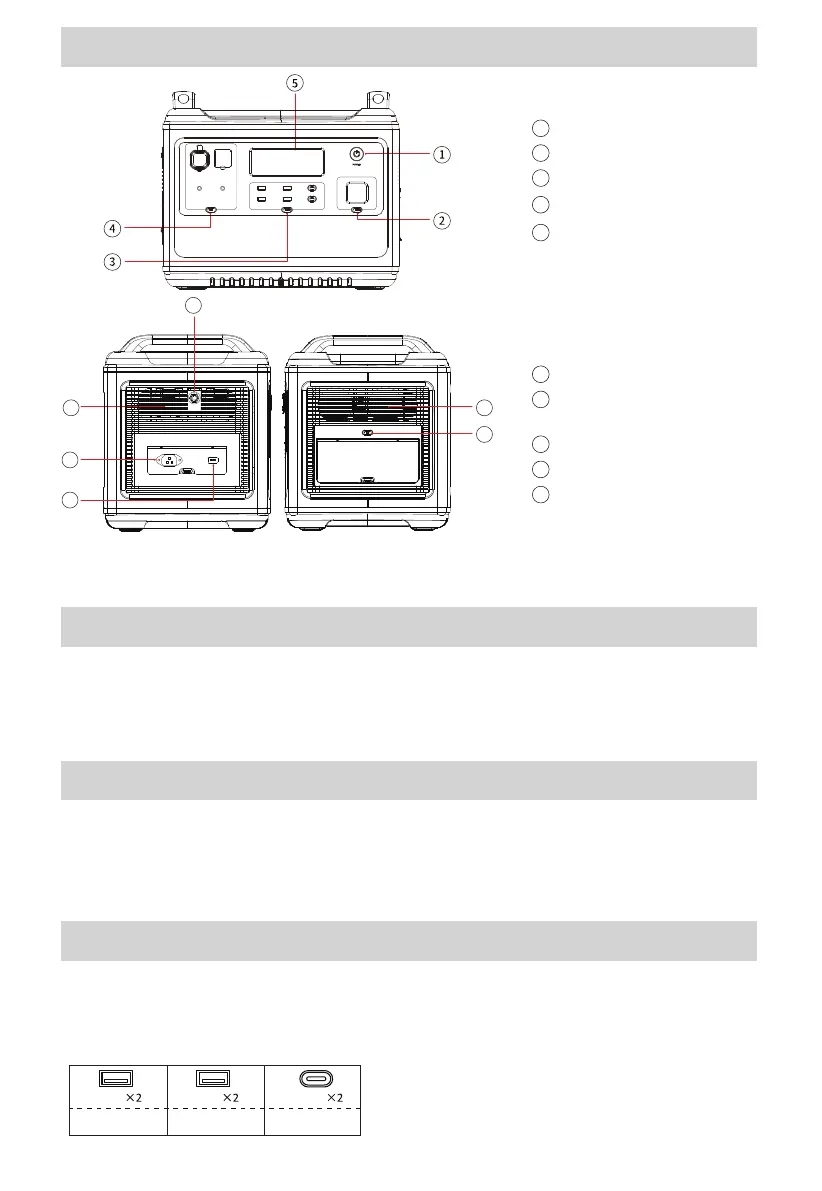
7
6
6
10
9
8
1
5V
USB-A
PV/Solar Input
8
AC input port
9
Overload protection
10
Main power control
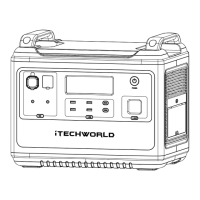
Product Overview
1
Light control
2
USB control
3
DC control
4
LCD display
5
Air intake/outlet
6
AC 240V Output button
(Bottom Right)
7
Power On/Off Control Button
Button Functions
This is the master power button, a long press to turn on and a long
press to turn off the unit (hold the button until the screen turns on/
off). When not in use, please turn the unit off.
Led Light Control Button
Operate method: short press to turn on and change the light mode
Solid/SOS/Flash.
Long press to turn off the light while on any mode.
/2.4A QC3.0-18W PD-100W
TYPE-CUSB-A
-USB Control Button
Make sure the power station is on before pressing the USB Control
button.
Operate method: short press to turn on/off.


 To Next Page