10
supply to the Wi-Fi Camera, insert the TF card into the TF card slot of the Wi-Fi Camera
and then re-connect the power supply for using again.
Add New Camera on your existing App
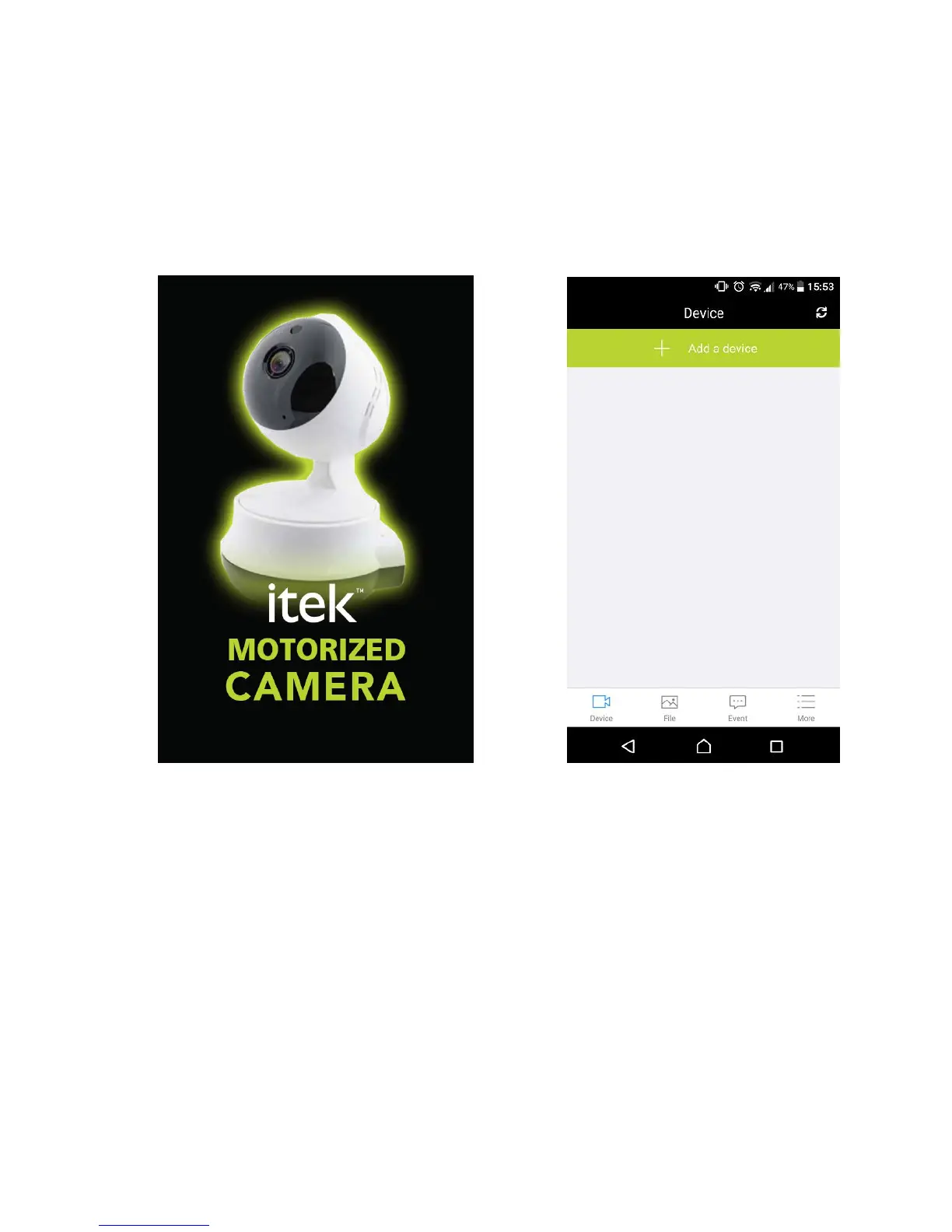
Open the “itek Camera” App & Tap on “+ Add a Device”
Repeat the same steps as outlines in the “First Time Installation” section above


 To Next Page