8
Camera (i.e. Access code).
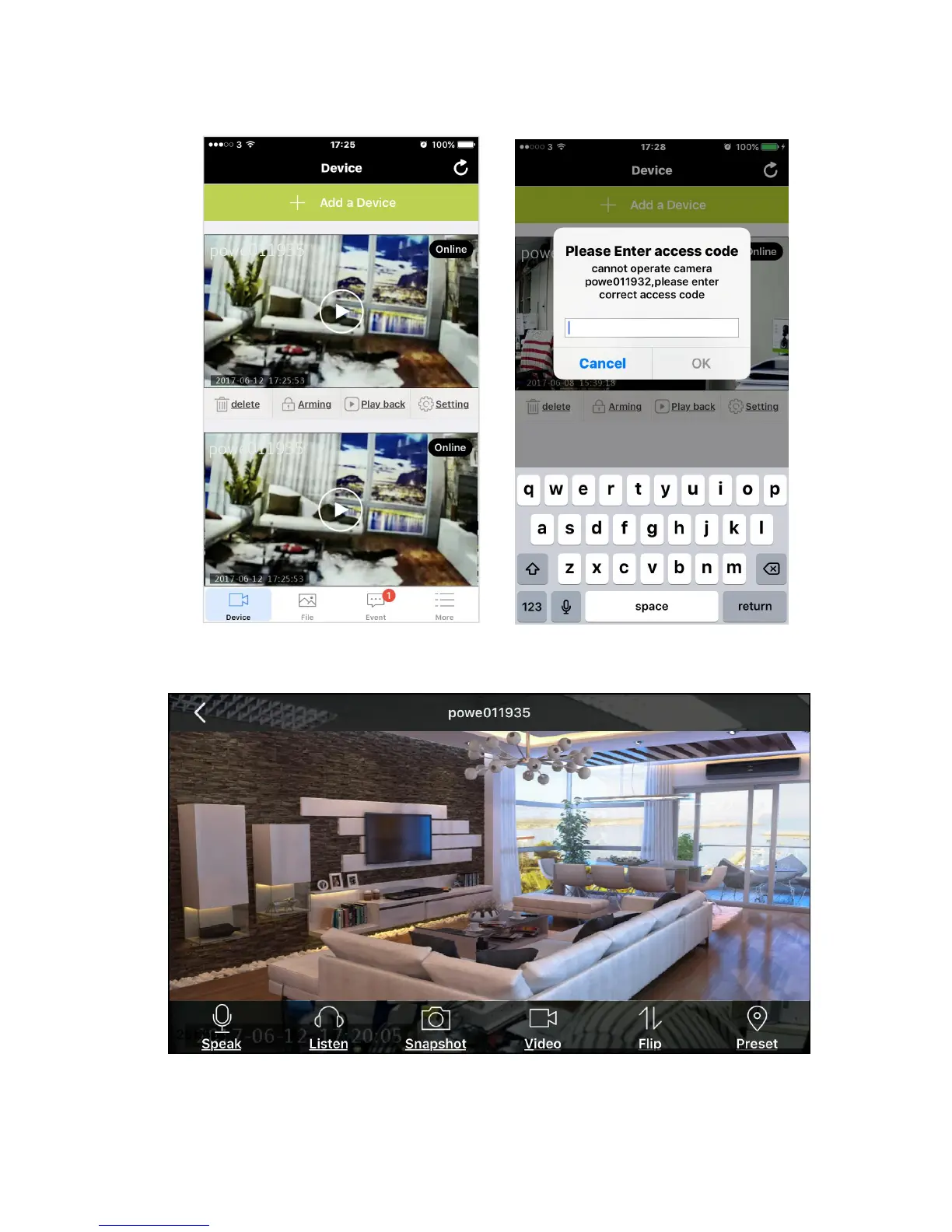
9. It will then show full screen viewing. And you can press the function icon at the bottom
of the screen, including ‘Speak’, ‘Listen’, ‘Snapshot’, ‘Video’ & ‘Flip’ for desire purpose,
Speak: Tap on the “Speak” option on your screen, in order to speak through your phone,



 To Next Page