3
Bridge B1610 Bridge B1610
2
Congratulations on your purchase
Let’s configure your
Ivideon Bridge
Items included . . . . . . . . . . . . . . . . . . . .
3
Ivideon Bridge look and device . . . . . . . . . .
4
Technical specifications . . . . . . . . . . . . . .
6
Important safeguards and warnings . . . . . .
7
Configuring Ivideon Bridge for work . . . . . .
8
Adding cameras to Ivideon Bridge . . . . . . . .
12
Connecting services. . . . . . . . . . . . . . . . .
16
Warranty certificate . . . . . . . . . . . . . . . .
17
Ivideon
Bridge B1610
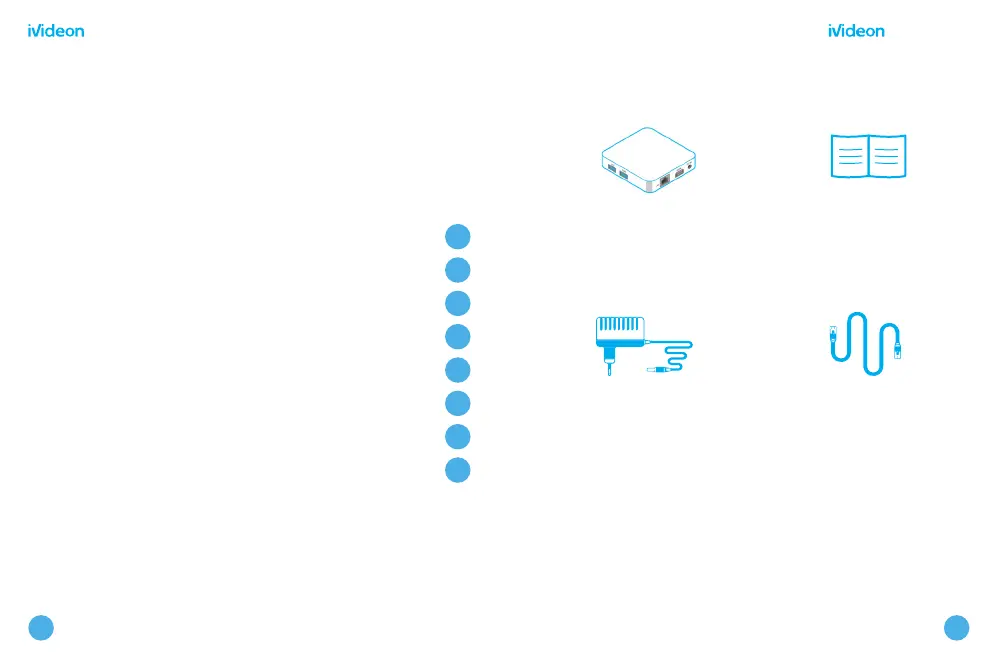
Items included
DC 5V/2A
power adapter
Ethernet
cable
Quick
start guide
The items illustrated may differ from those in the package



 To Next Page