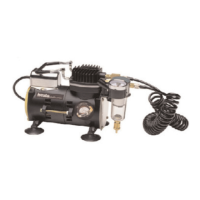
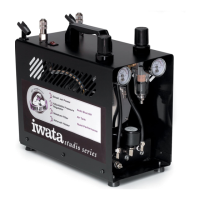
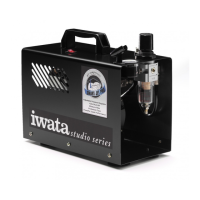
1. Release any built up moisture in moisture trap and in air storage tank.
2. Turn o the compressor.
3. Release any leftover air by pressing down on your airbrush trigger (being careful of any excess paint) or unscrewing your airbrush
from the air hose.
ENDING A SESSION
MAINTENANCE (CONT’D)
The air tank will collect moisture and will need to be drained. How often is based on the weather and how much humidity is in the air.
1. Turn o the compressor.
2. Depressurize the tank. (Release remaining air in tank.)
* Air may be released through the airbrush or through the moisture trap pressure relief valve.
3. Unscrew the nut on the drain valve at the lower back part of the air storage tank.
4. Tip the compressor back.
5. Let it drain.
6. When its nished draining, set compressor upright.
7. Screw the nut back into the tank drain valve.
12


 To Next Page