USB 3.0 MULTI-ADAPTER USER MANUAL
21
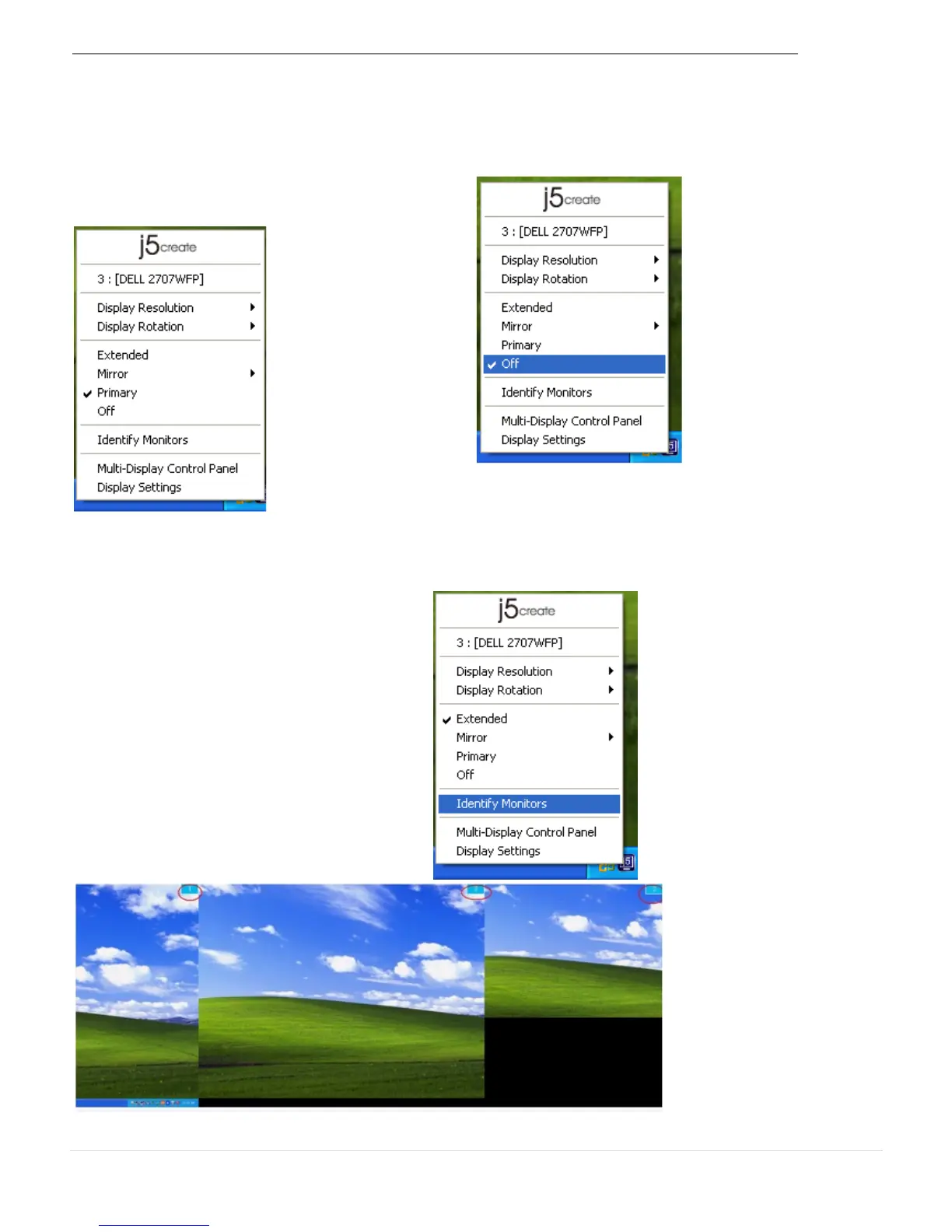
When Primary is selected, the display device
will become the main display. The display of
the internal graphics card will automatically
switch to be the extended display and act
as an extension.
When Off is selected it will disable the
display connected to the USB 3.0 MULTI-
ADAPTER.
When Identify Monitors is selected, a
serial number will be shown at the
upper right corner of the attached
display devices.
You can use the Hotkey function to find
out the serial number of each display.



 To Next Page