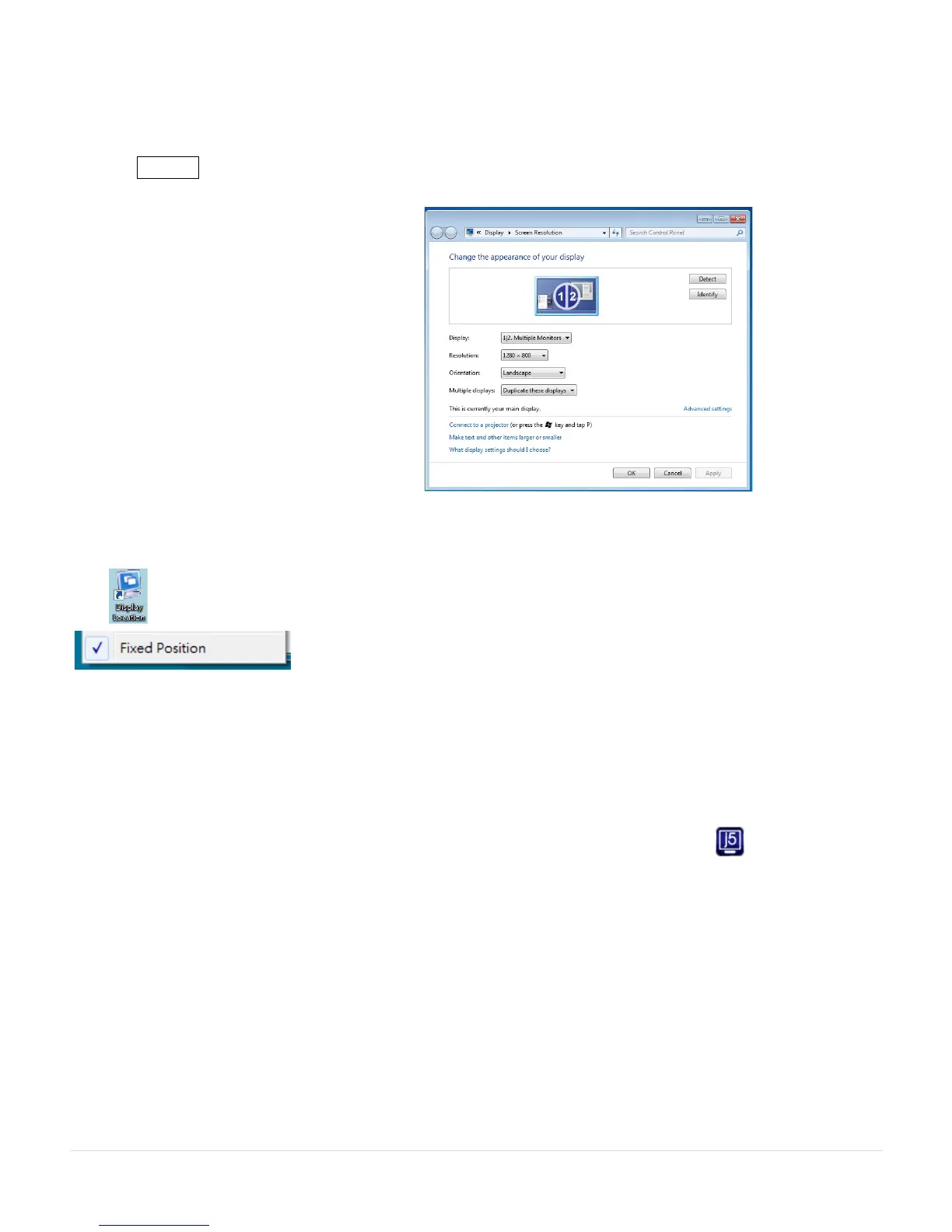
For example: To move the window to Display02 and automatically enlarge it to a full
screen, follow the steps below:
Choose Move Active Window to Display02, check Move Window and Full Screen and
click Apply .
Display Location & Fix Position
This function helps you arrange the positions of all the display locations you have set. You will
see icon on your desktop. After choosing Display Location Setting, make a “Check”
in the Fixed Position box. All display locations will be fixed. This
function is great for multi-display users.
FUNCTIONS: WINDOWS XP
You can choose all the functions quickly and easily by clicking on this icon( ) seen on the
lower right side of the toolbar.
Display ID
Smart Display Device ID Detection
The USB 3.0 MULTI-ADAPTER supports VESA defined DDC/EDID. The utility will show the display
device ID whenever it is attached to the USB 3.0 MULTI-ADAPTER



 To Next Page