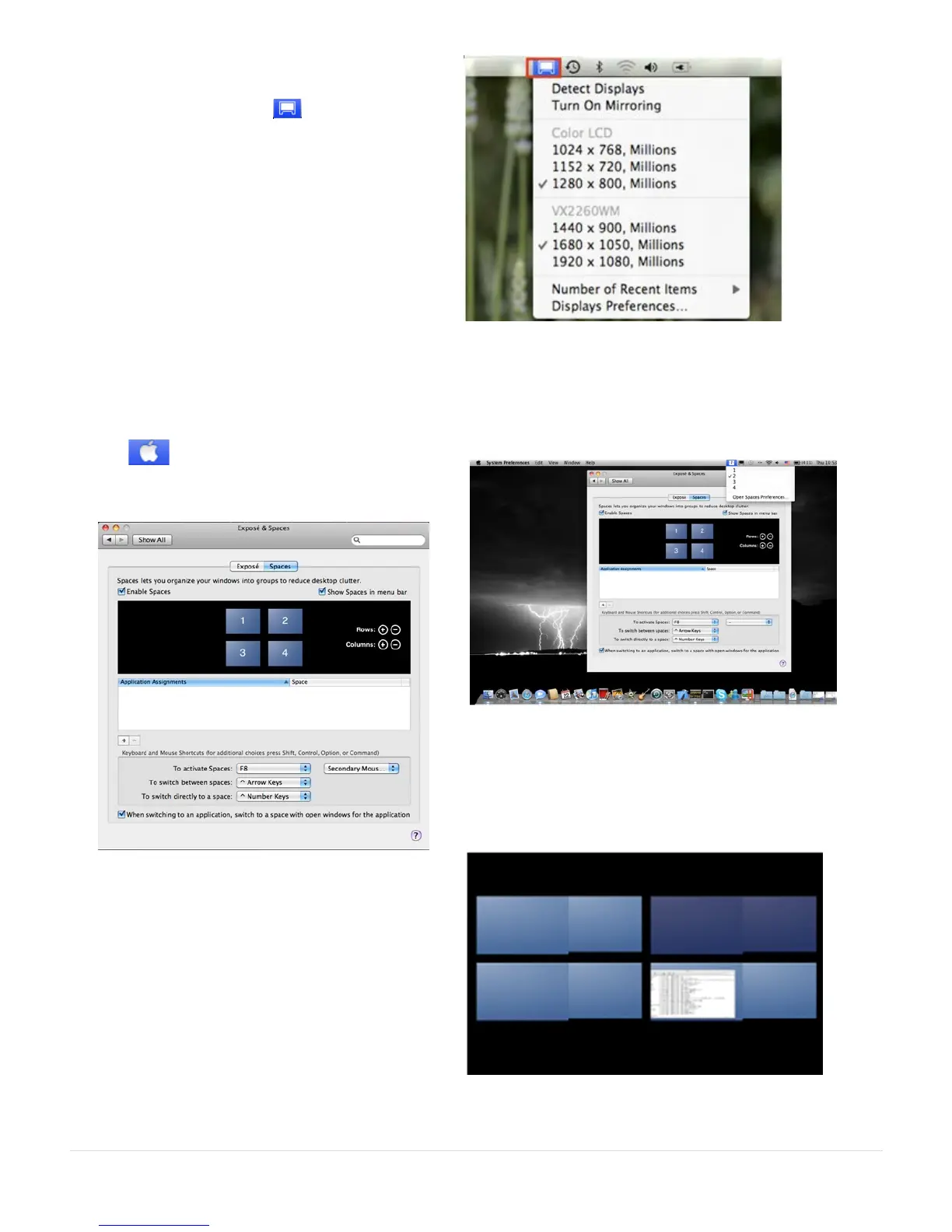
Device click Show Display in Menu Bar. You
will see the display icon appear and you
can double-click it for quick access at any
time.
Windows Arrangement
You can arrange the windows on your
display by selecting Exposé & Spaces
Go to , and then System Preferences
From System Preferences click on Exposé &
Spaces. You should see the screen below.
Click Show Spaces in Menu Bar. You
should see the space number on the
menu bar, you can choose any space
on the list at any time.



 To Next Page