14
ENGLISH
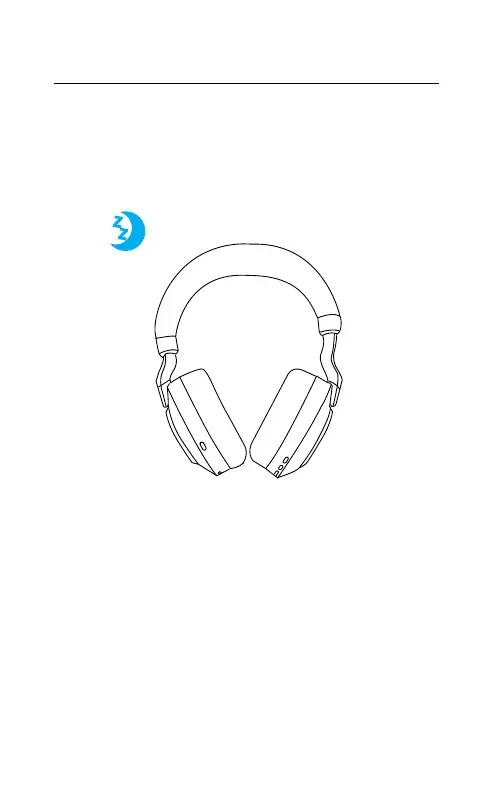
4.3 Sleep mode
When the headset is powered on, but not being
worn, they will automatically enter sleep mode
after 8 hours to conserve battery. To exit sleep
mode, simply press any button.
The length of time before the headset enters
sleep mode can be adjusted using the Jabra
Sound+ app on your smartphone or Jabra
Direct on your computer.
After 24 hours of sleep mode, the headset will
power down completely. To power the headset
on, slide the On/Off switch to Off and then On.










 To Next Page