27
ENGLISH
7.6 Busylights
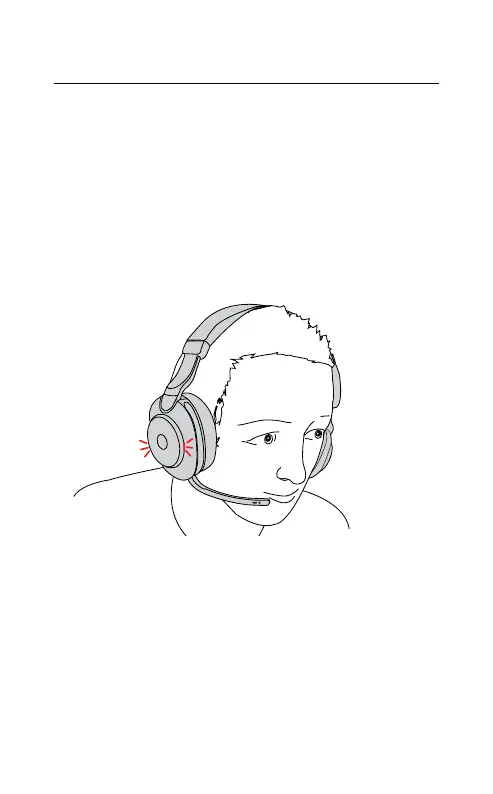
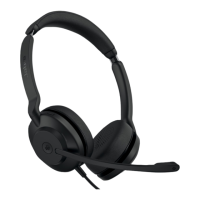
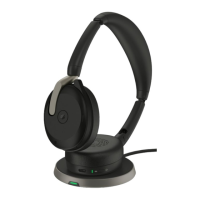
The Busylights on the headset automatically
light up red when you are on a call to indicate
to colleagues that you are busy. To manually
switch the Busylights on/off, press the Volume
up and Volume down buttons at the same time.
Please note that the Busylights will only light
up when you are wearing the headset.
Busylight settings can be configured using the
Jabra Sound+ app on your smartphone or Jabra
Direct on your computer.










 To Next Page