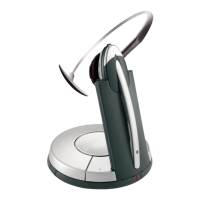
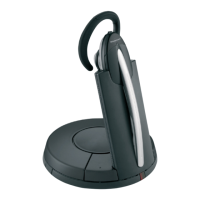
Jabra GN9120 Micro Boom
How to connect my Jabra GN9120 EHS / GN9125 EHS with
Aastra 6753i, 6755i, 6757i
Prerequisite:
Jabra GN9120 EHS or GN9125 EHS + Jabra LINK 14201-10 + Aastra
DHSG cable kit (only available from Aastra).
In combination with one of the following phones:
Aastra 53i / 55i / 57i / 57iCT
Aastra 6753i / 6755i / 6757i / 6757i CT
From phone firmware 2.5.1.2000 or higher.
Connection:
Aastra DHSG cable:
Insert the split end of the Aastra DHSG cable into your phone as follows.
1. Insert the RJ9 plug (marked green) into the "headset" socket and the
RJ45 plug (marked yellow) into the socket for the expansion module.
[Grün = green][Gelb = yellow]
2. Insert the 1-sided end of the Aastra DHSG cable marked in blue into

 Need help?



 To Next Page
 General