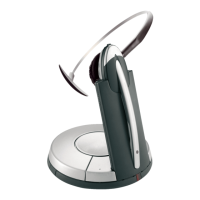
interface and the RJ12 into the "bell" socket of the phone. The additional
socket on the Y coupling remains free in the case of connection to an IP
phone.
Base setup:
Set the phone set-up switch to "A".
EHS setup:
The Jabra GN912x must support and be set up on MSH EHS.
You can check or set it as follows:
1. Put the headset in the base.
https://www.jabra.com/en-gb/supportpages/jabra-gn9120/9120-48-11/faq/4835ac34-
5f08-4ca9-bf18-f039dbca72aa
Page 2 of 5



 To Next Page
 Loading...