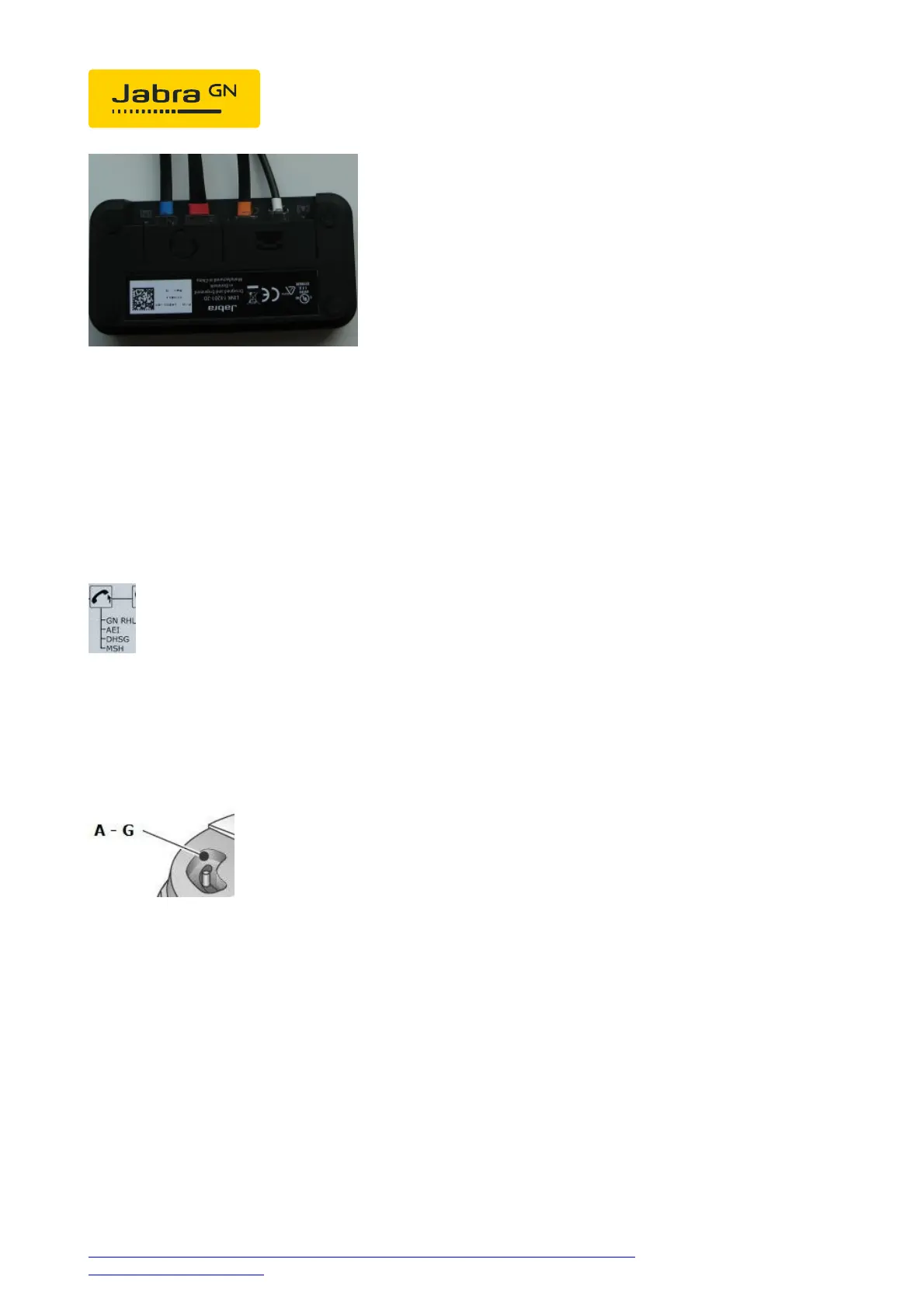
Software setup:
In the LCD Display, set the Jabra GN9350 to "DHSG" and press the OK
button to confirm the software setting.
Base setup:
Set the phone set-up switch to "A".
Headset answer/end:
As soon as the dial tone signal can be heard in the headset, you can answer
the call by pressing the "answer/end" button on the headset; by pressing
again the call is ended.




 To Next Page