16
US
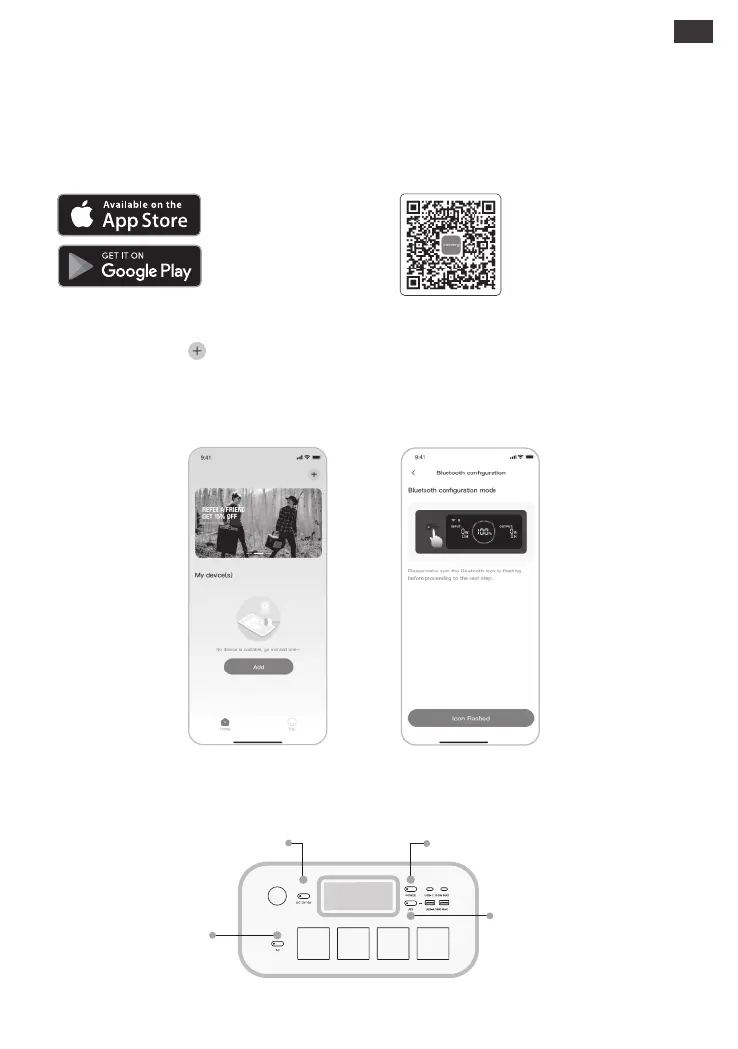
Search for "Jackery" in Google Play or
App Store to install the App. After that,
you can register and log in.
Alternatively, scan the QR
code below to download and
install the App.
Remarks: After being turned on, if the APP is not connected within 2 hours, the device will automatically turn o Wi-Fi
and Bluetooth. Now, it is required to press and hold “USB Button” and “AC Button” to turn on Wi-Fi and Bluetooth
again.
2. To add device
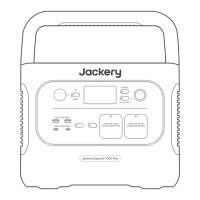
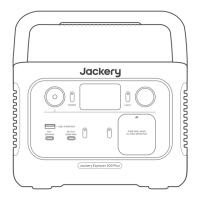
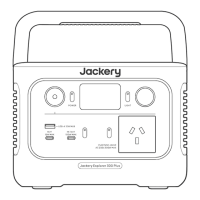
2.2 Long press the “POWER” button on the device to turn on, the Wi-Fi and Bluetooth icons on the
device flash to indicate that the device has entered the network configuring mode, click the “Icon
Flashed” button and allow the App to connect to nearby devices and open Bluetooth
permissions;
Jackery App User Manual
1. To download the App and log in
2.1 Click the button to add your device;
USB Button
AC Button
POWER Button
DC Button
2.1 2.2







 To Next Page