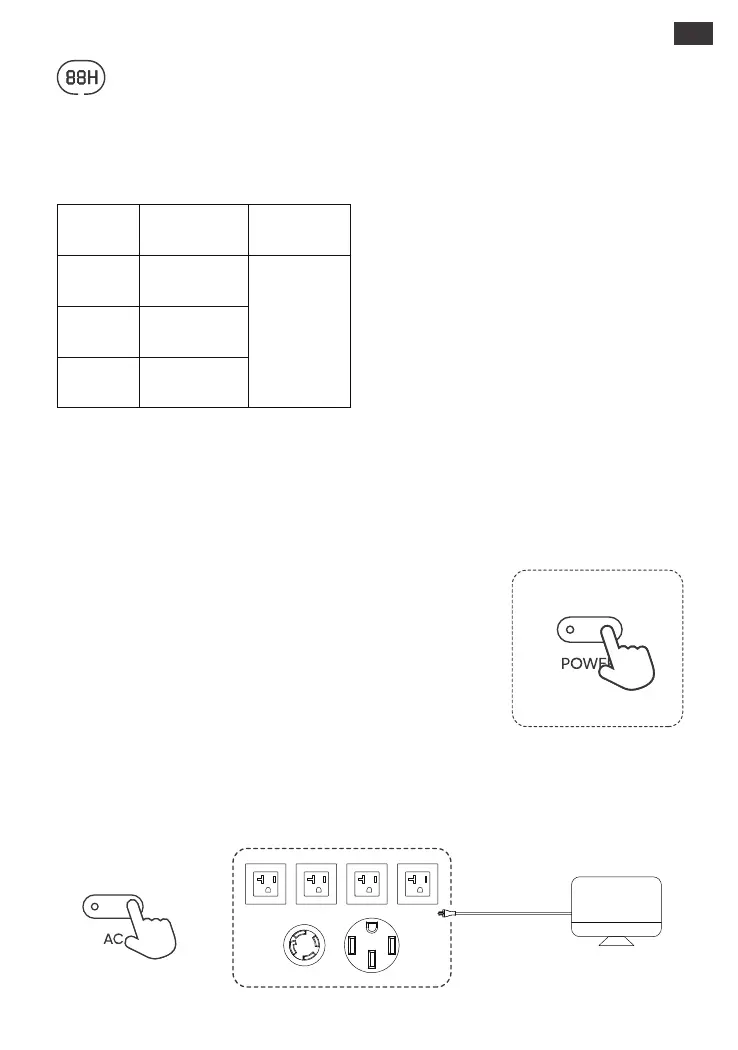
Energy Saving Mode
To avoid forgetting to turn off the output which results in battery consumption, the product turns the
Energy Saving Mode on by default. This occurs when no device is connected or the connected device is
less than or equal to a certain value (Refer to the table below for more details), the device will
automatically turn off all outputs after 12 hours.
Output
Output Power Defaults
AC Output
≤25W
≤2W
≤2W
USB Output
Car Output
06
To turn o the Energy Saving Mode
Long press the AC Button and Main Power Button
until the Energy Saving Mode icon disappears. In
Non-Energy Saving Mode, please remember to
turn o the products to avoid battery
consumption.
To turn on the Energy Saving Mode
Long press the AC Button and Main Power Button
until the Energy Saving Mode icon lights up on the
screen.
BASIC OPERATIONS
Power On/O
Press the "Main Power Button" and the working indicator lights up and the
LCD display is illuminated. If you need to turn off the main power, please
press and hold the "Main Power Button" until the working indicator turns
off. The default standby time of this product is 2 hours. (the product will
automatically shut down after 2 hours without charging or discharging)
The automatic shutdown time can be set on the Jackery App.
*In Energy Saving mode, turn on DC output or AC output, or it will
automatically shut down after 12 hours if there is no charging input or
discharging output.
US
All outputs
turned o
automatically
after 12 hours
Ensure the main power button is on. Press the AC button to turn on the AC outputs and power your
appliances. Press the AC button again to turn off the AC output.
AC Output On/O
Step 1
Step 2







 To Next Page