3
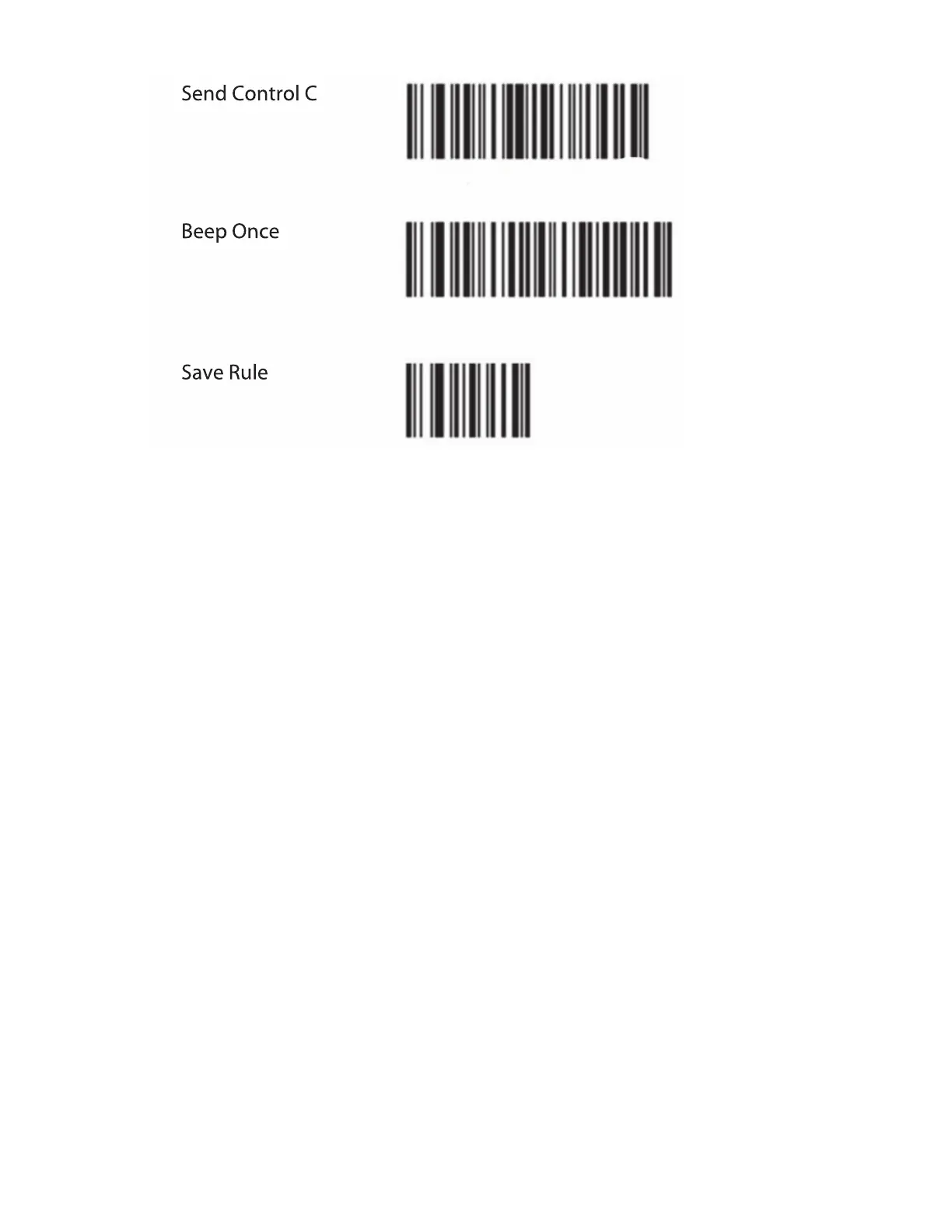
4 Scan additional programming bar codes as desired.
5 To ensure the scanner has been configured to work with your ultrasound system, FUJIFILM SonoSite recommends
opening a patient information form on your system and scanning a bar code. Your system is successfully configured
when you scan a bar code and the patient ID (and associated patient information, if any) populates the patient
information form.
Note: You can program the scanner with various user preferences, such as beeper volume. Refer to Symbol LS2208 Quick Start
Guide or, for more comprehensive information, to the Symbol LS 2208 Product Reference Guide, included with the scanner and
available on the Motorola Web site at www.motorola.com.


 To Next Page