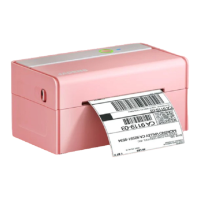
3.Printer Connection
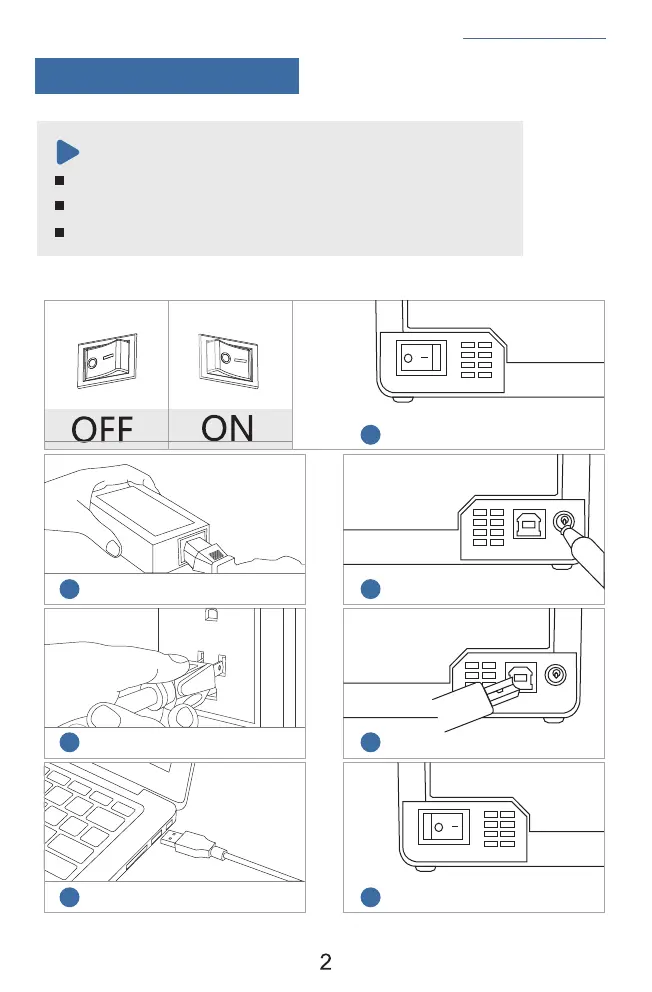
Ensure the printer is OFF.
Use original power adapter only in case harm or injure.
Unplug if no use in a long time.
Ensure the printer is off
Connect the power
Connect the USB cable to the printer
Turn the power on
Attach the power cord to the adapter
Plug the power cord into the socket
Connect the printer and computer
Note:
1
2
3
4
5
6
7
See FAQ at support.jadens.com


 To Next Page