RAC Plus I User’s Manual
3-8
Step 3
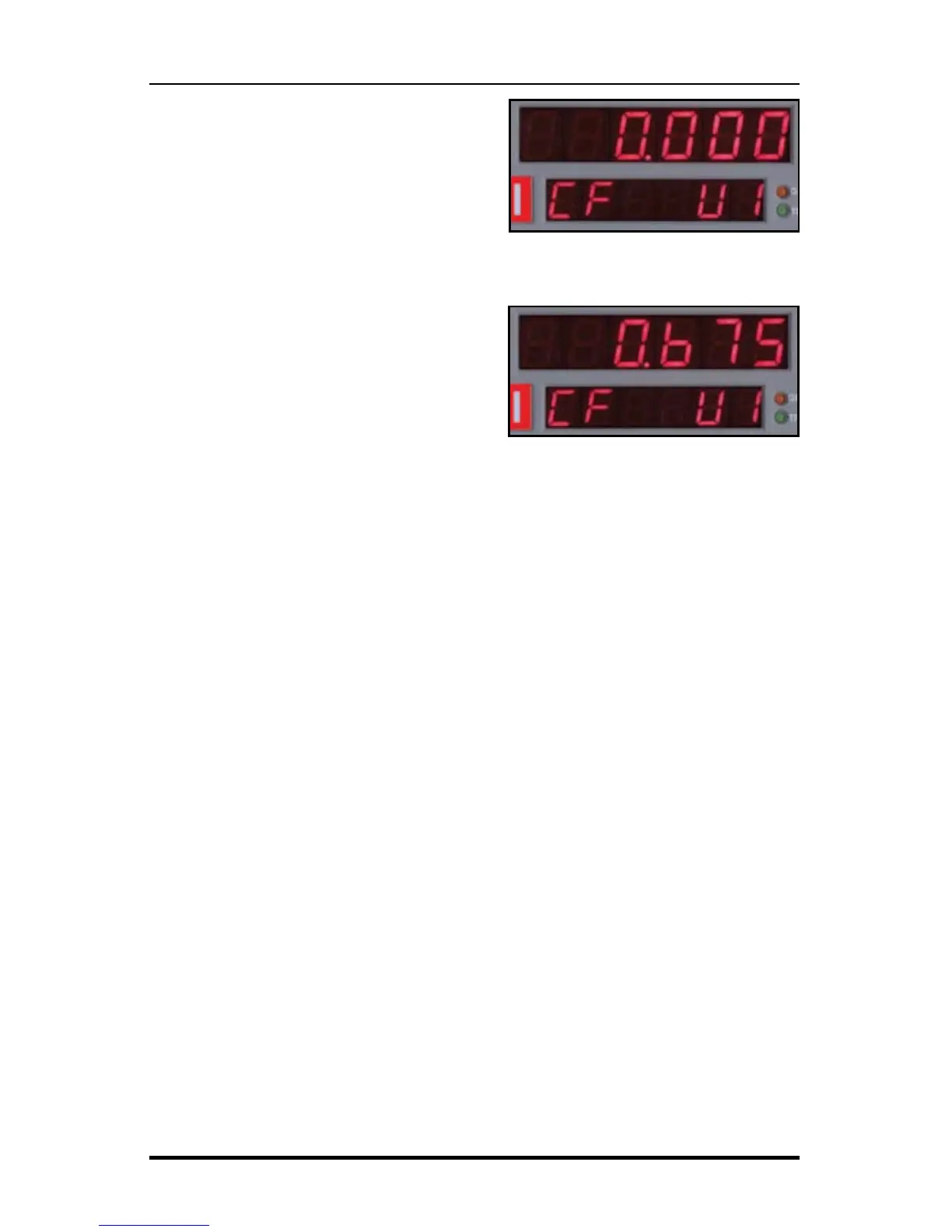
Press the Enter key and the current cali-
bration number for the vehicle selected
will be displayed. Press the Clear key
(CLR) to clear the current number.
Step 4
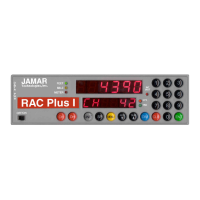
Using the numeric keys, key in the de-
sired calibration number for the vehicle
selected.
Step 5
Press Enter to return to the initial menu
screen, then press Enter again to exit
the menu function. The new vehicle number and/or calibration number is
stored in memory and the RAC is back to normal measuring mode.
Once your DMI is properly installed and calibrated, you are ready to
begin accurately measuring distance.
Fig. 3.9
Calibration Number Cleared
Fig. 3.10
New Calibration Number Entered


 To Next Page