RAC Plus I User’s Manual
2-6
Installing the Modular Distance Sensor
Note: These instructions are for installing a RAC Plus I with a Modular
Distance Sensor. If you are installing a different sensor, skip this section.
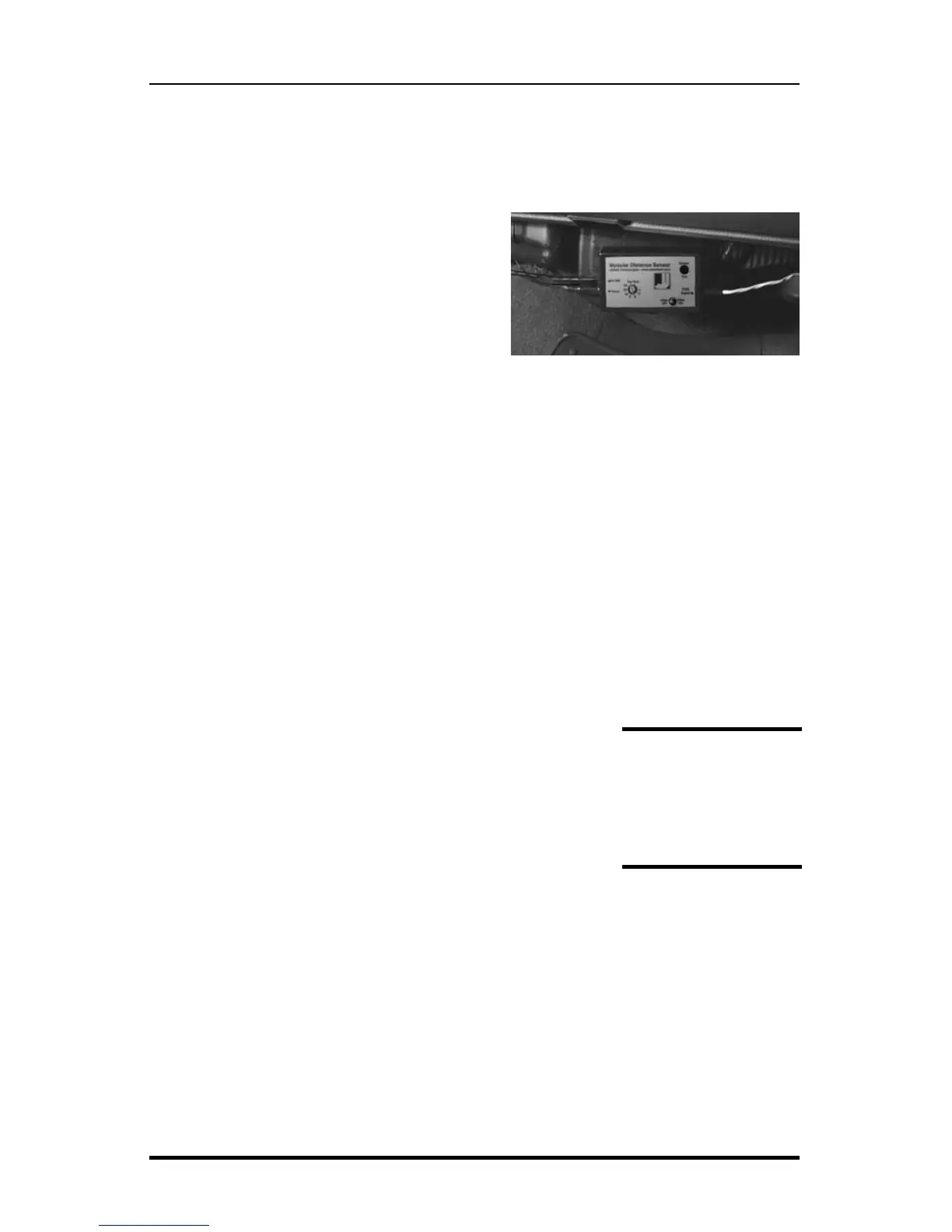
1. Find a location under the vehicle
dashboard that will allow fairly easy
access to the MDS. Do Not mount the
MDS on the heater ducts or where the
heater vents will blow directly onto it.
Attach the MDS using the nylon ties or
Velcro provided, as shown in Fig. 2.3.
2. Locate the 2 wires coming from the Vehicle’s Speed Sensor (VSS).
• On most Ford and Chrysler pick-up trucks, the best place is on the
rear end differential housing using the rear ABS signal.
• On GM pick-up trucks, the best place is the VSS at the transmission.
• On many vehicles (both trucks and autos) you can go to the cruise
control signal or to the vehicle ECU which is often located under the
dashboard.
(Note: Vehicle wiring changes from year to year
and model to model. For technical support in lo-
cating the vehicle speed signal wire call JAMAR
at 215-361-2244. Your local Auto/Truck dealer
can also usually tell you where the VSS can be
located on your vehicle.)
3. Route the red and black end of the 20’ grey VSS
cable through the firewall. This can usually be done by using an existing
rubber grommet where other wires pass through the firewall. If you cannot
locate an existing hole, CAREFULLY drill a small hole large enough for
both the VSS cable and the +12Volt/Ground wires. EXTREME CAUTION
must be taken to insure you do not drill into anything mounted on the op-
posite side of the firewall or cut any existing wiring.
All wires and the
MDS itself should be
kept away from heat
sources that could
cause melting.
Fig. 2.3
MDS Mounted Under Dash


 To Next Page