3. Components of your blood pressure monitor
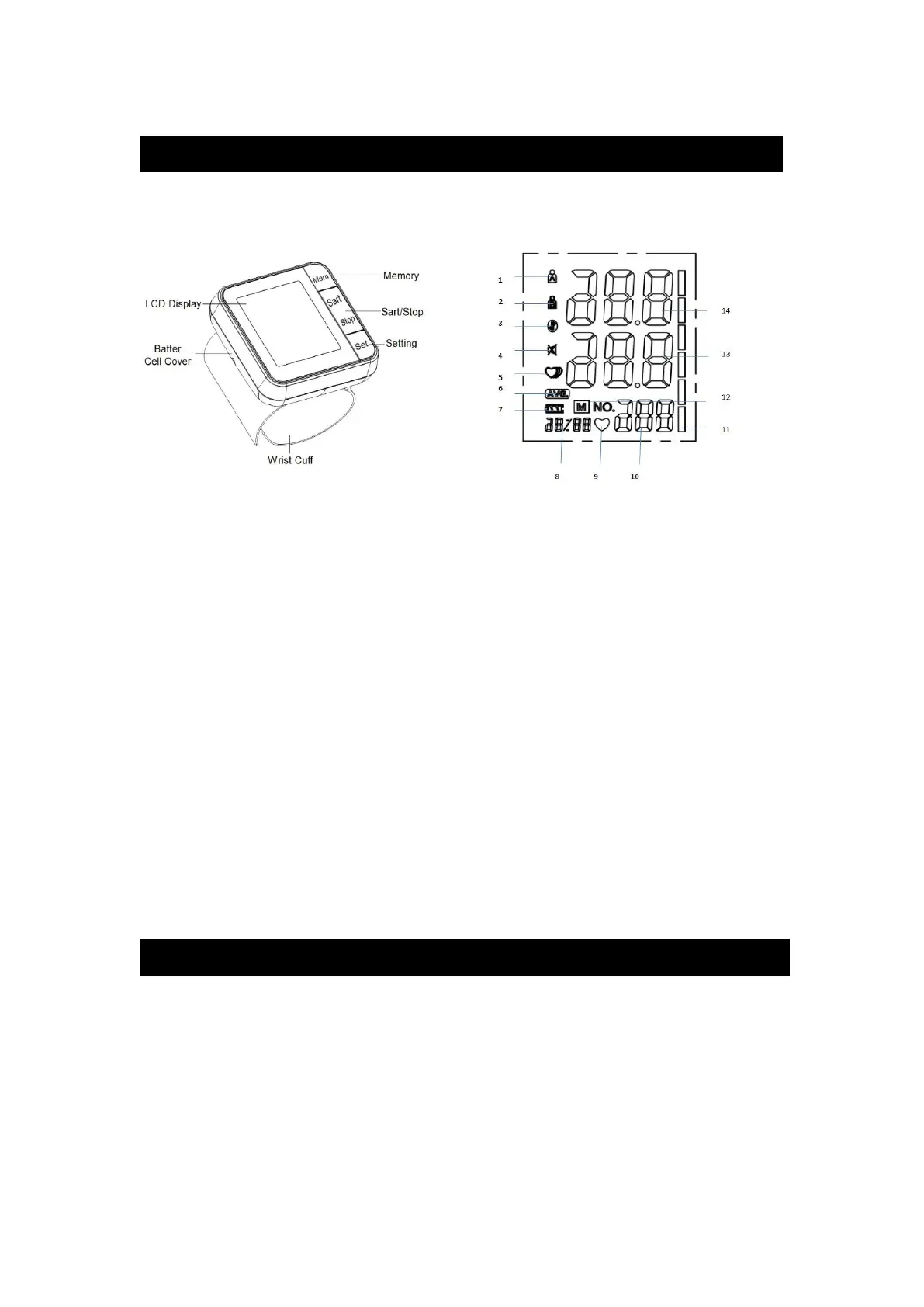
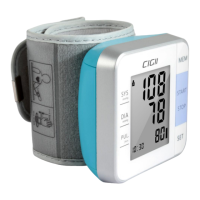
3.1. Measuring unit
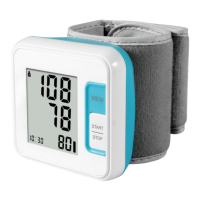
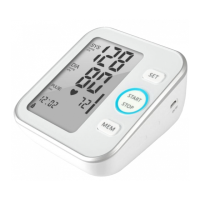
Picture-02 Picture-03
3.2 The symbols on the LCD display
1. User A 2. User B
3. Bluetooth symbol 4. mute symbol
5. Irregular heartbeat symbol 6.Average value symbol
7. Low battery symbol 8. Date/Time display
9. Heartbeat symbol 10. Pulse display
11.WHO symbol 12. Memory symbol
13. Diastolic blood pressure 14.Systolic blood pressure
3.3. Features of Model W02
1. Talking function 2. Double users: 2 x 120 sets memory 3.Date/time display
4. Irregular heartbeat checking 5. Average value function 6. Low battery display
7. WHO function 8. Auto power-off 9.Volume adjustment
4. Using your Monitor for the First Time
4.1. System Settings
After you load the battery for the monitor,
A. Setting the Users
Press the Setting button and then you can set the A/B user by shifting the A/B user button.
B. Setting the Year/Month&Date/Time/Volume
Long press the Setting button for more than 3s, and then you can start to set.


 To Next Page