[1]
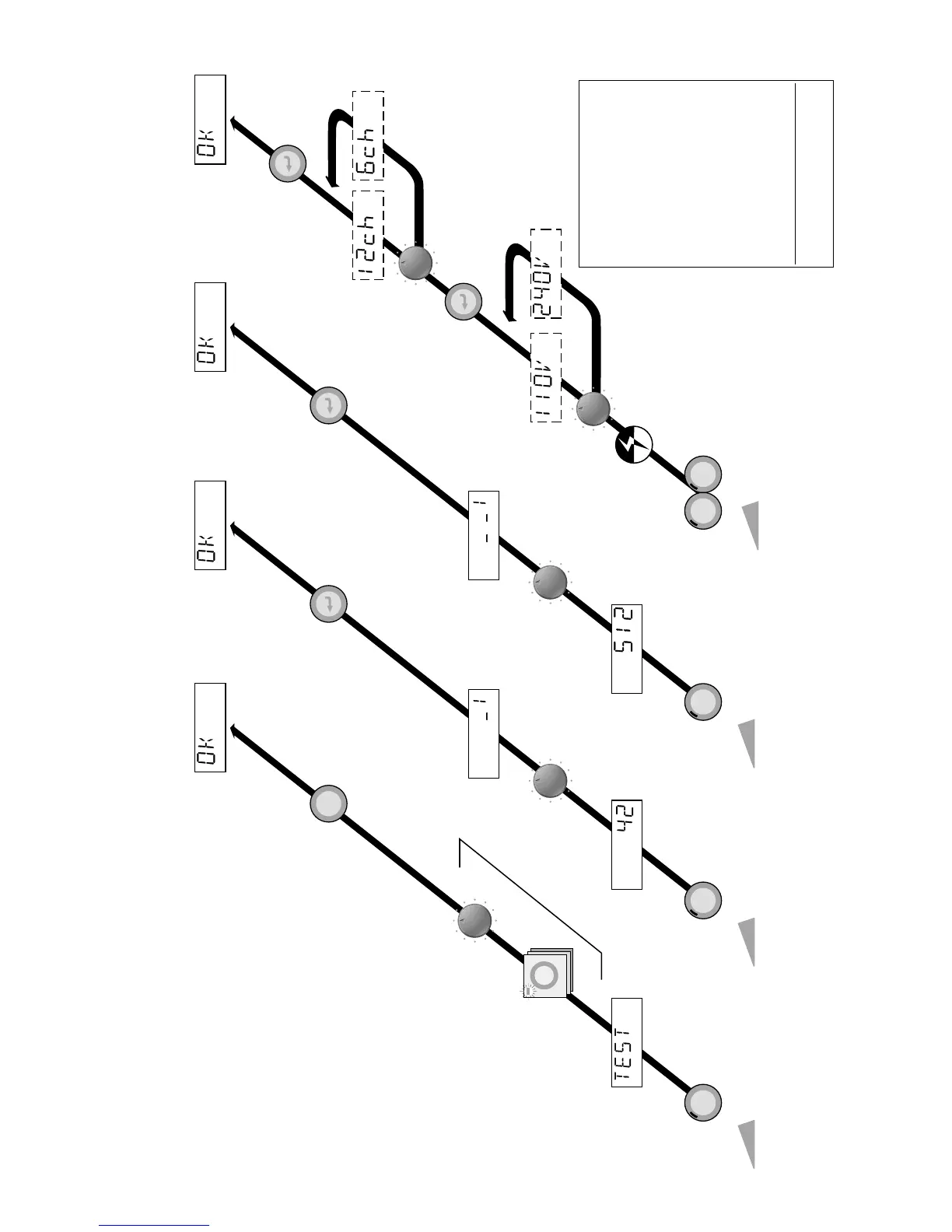
Repeat for each channel to be tested.
All remaining channels will operate
as normal.
[2]
Will display bank number in blocks
of 12 channels (6 channels for HP6)
After a deep clear, it is necessary to
reprogram the dimmer to indicate
output voltage 110V or 240V and
number of channels (12 for HP12).
Status LED red = 110V
Status LED green = 240V
[3]
For DEEP CLEAR. Turn off power.
Hold MODE and DMX BANK simul-
taneously while turning on power.
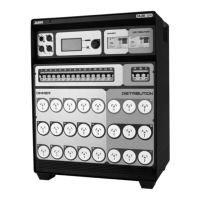
HP DIMMER MS-9507-02
TEST
NORMAL
[Exit to DMX operation]
TEST
LEVEL
SELECT
STATUS
DMX BANK
ENTER
[DMX BANK selected ]
DMX BANK
FUNCTION
[Selected DMX BANK value]
DMX CH.
ENTER
[DMX start number selected ]
DMX CHANNEL
[Selected DMX start channel]
FUNCTION
[1]
[2]
[DMX start level ]
[DMX BANK No. ]
DMX BANK
MODE
FUNCTION
ENTER
FUNCTION
ENTER
[Selected output voltage]
[Number of channels for dimmer]
[Exit to DMX operation ]
DEEP CLEAR
[3]
POWER
[START] [START]
[DMX BANK value]
[DMX start channel]
[START]
[START]
[Selected output voltage]
[Number of channels for dimmer]
TEST, DMX BANK, DMX CHANNEL, DEEP CLEAR
Figure 4.2



 To Next Page