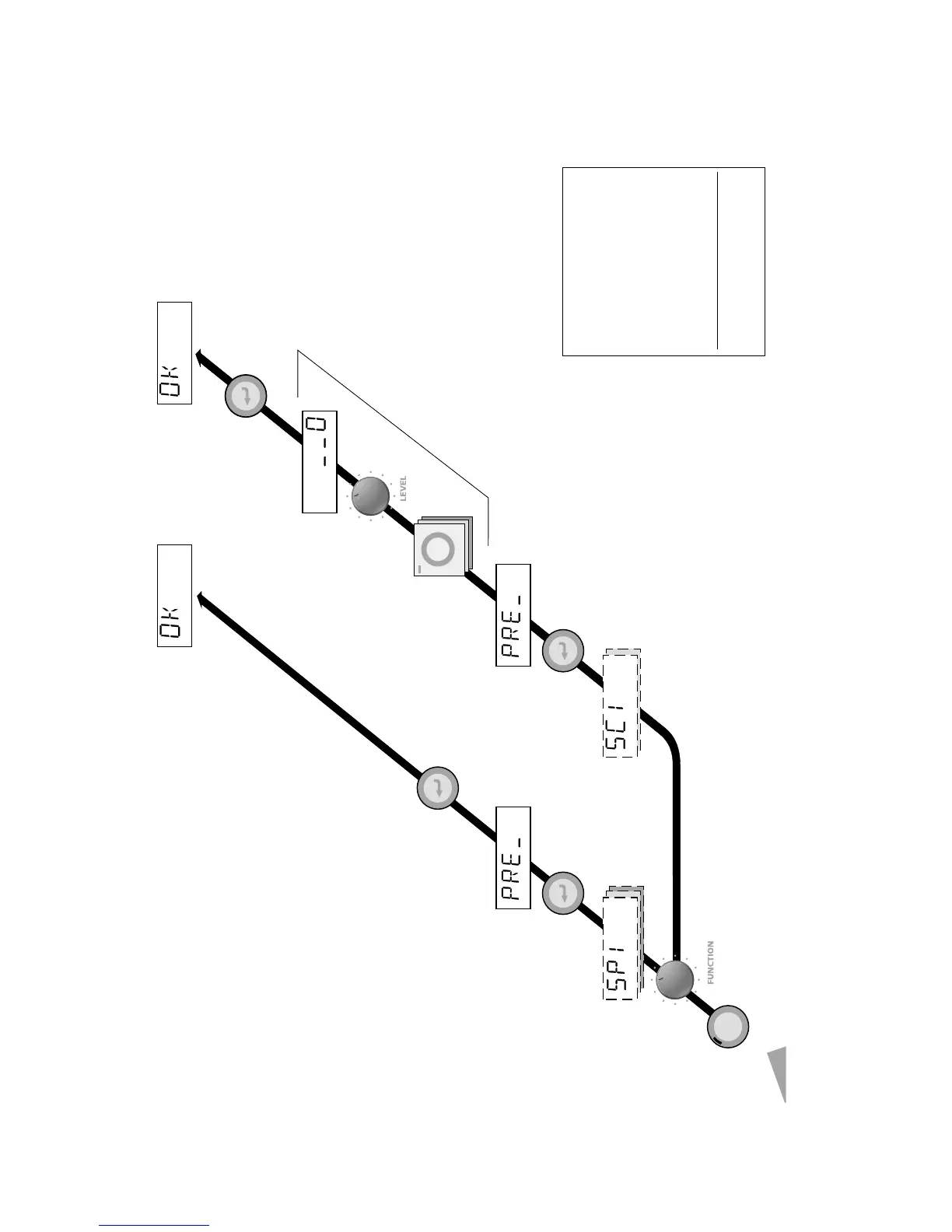
BUILD: SNAP 1~3, SCENE 1 & 2
BUILD
ENTER ENTER
ENTER
ENTER
[1]
[1]
DISPLAY = "Press Enter to store DMX
value"
[2]
DISPLAY = "Press Select and hold
while change level for each channel"
[DMX snapshot recorded] [Local scene recorded]
[2]
[SC1: SCENE1 / SC2: SCENE 2]
[SP1: SNAP1 / SP2: SNAP2 / SP3: SNAP3]
[3]
Repeat step for each channel to be
included in selected Scene
[3]
[Channel level]
BUILD
SELECT
STATUS
Status LED red = 110V
Status LED green = 240V
[START]
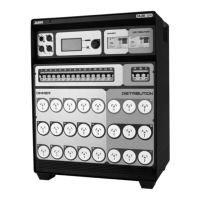
HP DIMMER MS-9507-03
Figure 4.3



 To Next Page