1.
2.
3.
4.
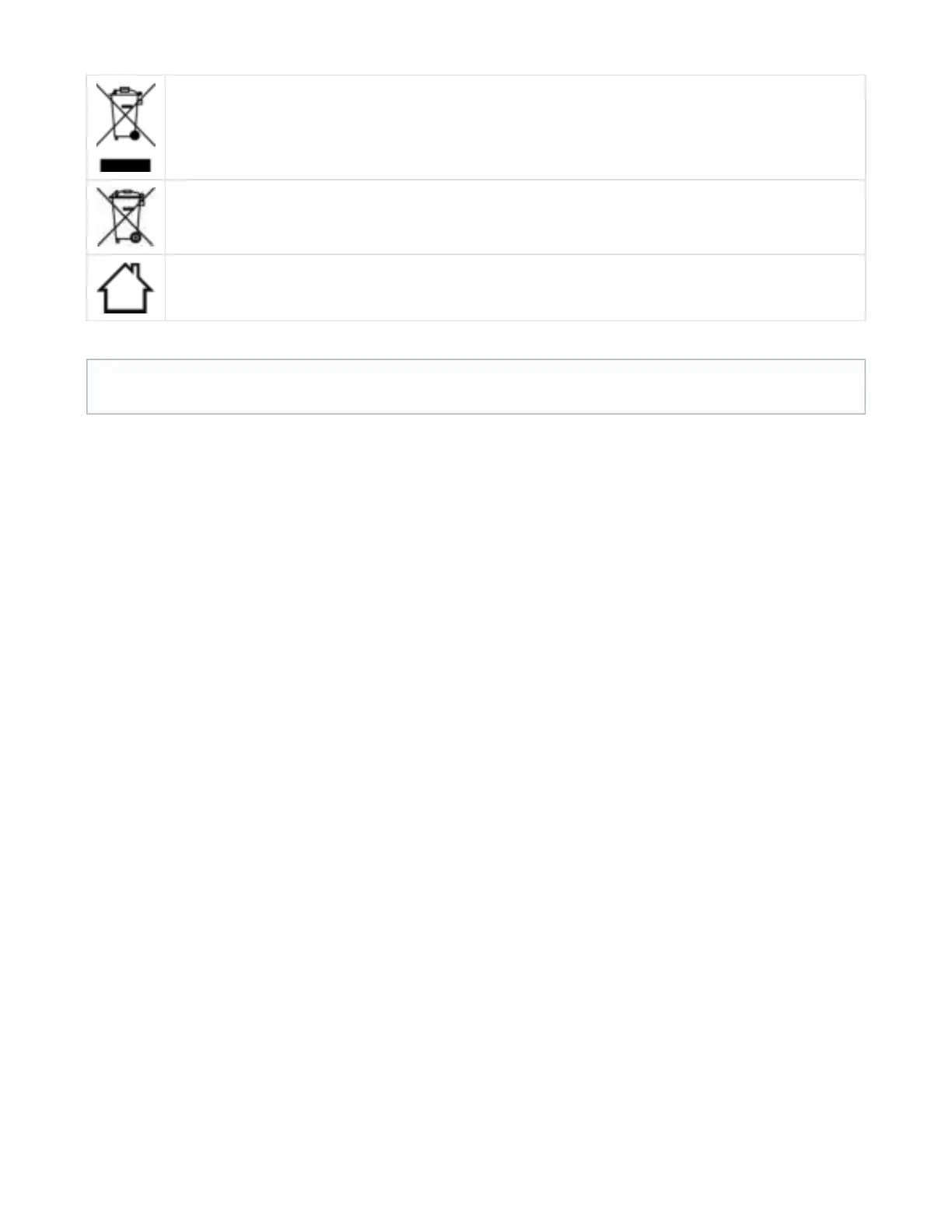
This symbol on the product or on its packaging indicates that this product must not be disposed of with your other household
waste. Instead, it is your responsibility to dispose of your waste equipment by handing it over to a designated collection point
for the recycling of waste electrical and electronic equipment. The separate collection and recycling of your waste equipment
at the time of disposal will help to conserve natural resources and ensure that it is recycled in a manner that protects human
health and the environment. For more information about where you can drop off your waste equipment for recycling, please
contact your local city office, your household waste disposal service or the shop where you purchased the product.
This symbol is printed on batteries or packaging; it means that the batteries delivered with your product should not be
proceed like other domestic waste.
This product is designed for indoor use only.
For further information visit
support.jarre.com
Appendix I – AeroBull HD® Guarantee
AeroBull HD® ships with two years warranty.
Appendix II – Product Questions & Answers
The following section presents questions and answers about the functionality of the product.
Q. Where is the NFC sensor?
A. The NFC sensor is located in front of the Dock.
Q. I am having issues with the NFC sensor?
A. Make sure your phone is NFC and it supports bluetooth pairing via NFC. Make also sure you are running the latest firmware. Check for new
updates on our support website support.jarre.com
Q. I am having issues with the true wireless feature?
A. Make sure you are following the procedure as explained in the user guide. Check for new updates on our support website support.jarre.com
Appendix III - Firmware Upgrade
Make sure you complete the following steps before you upgrade:
AeroBull HD® is plugged.
You have downloaded the latest firmware from our support website
support.jarre.com
You have a computer running Windows Operating System
You have a Micro USB cable:
Author copyright
The music data transferred/recorded cannot be used without the approval of the owner of the right except for personal use.


 To Next Page