31
C) Bandwidth (MHz)
- Press OK or RIGHT navigation button to enter submenu and press UP/DOWN
navigation buttons to select preferred bandwidth.
When TV Connection is Cable:
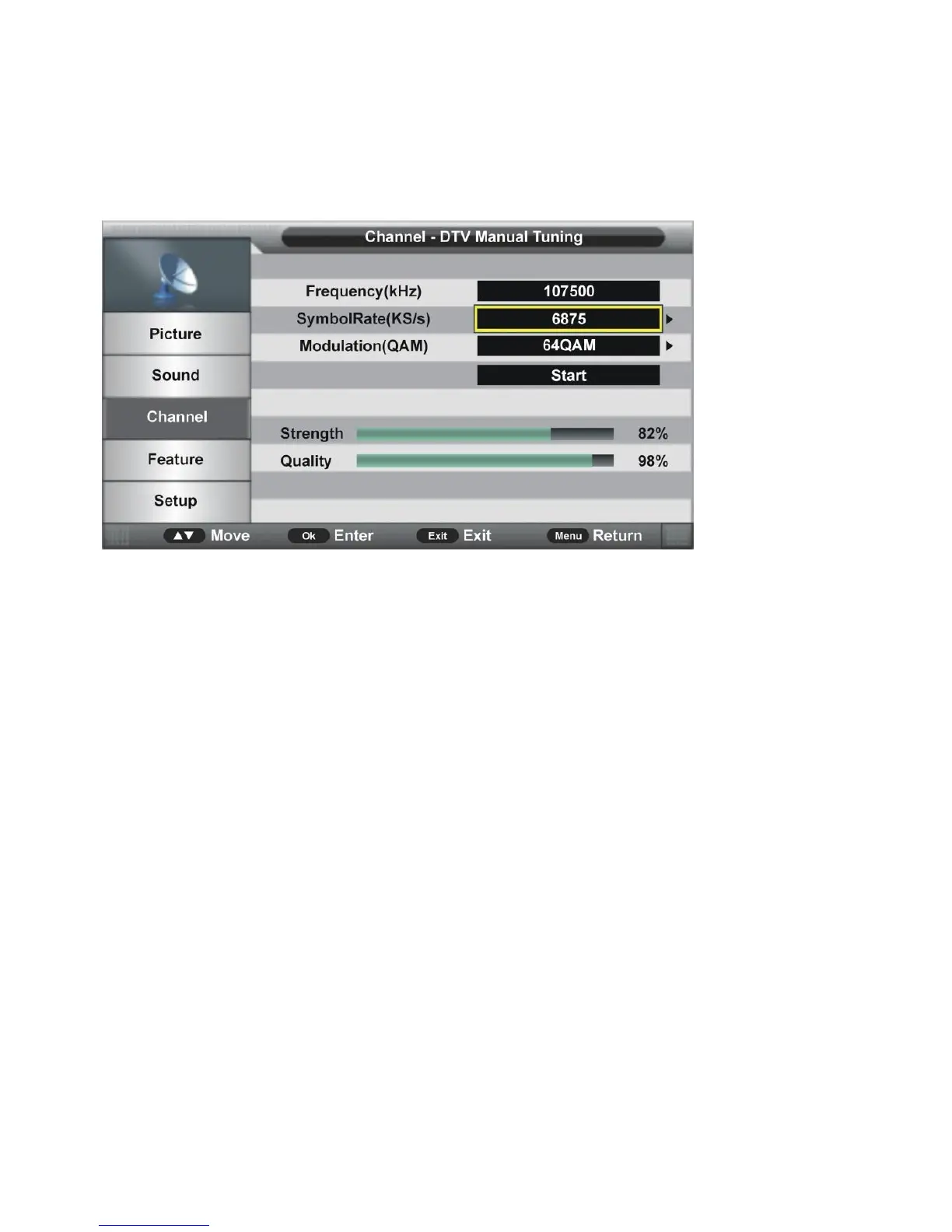
a) Frequency (kHz)
- This item is not user adjustable.
b) Symbol Rate (KS/s)
- Press OK or RIGHT navigation button to enter submenu.
- Press LEFT/RIGHT navigation buttons to move the cursor; press number buttons on
remote control to input desired value.
c) Modulation (QAM)
- Press OK or RIGHT navigation button to enter submenu and press UP/DOWN
navigation buttons to select preferred modulation.
Once the settings of a) to c) are finished, select START in the menu and press OK button to
start searching.


 To Next Page