34
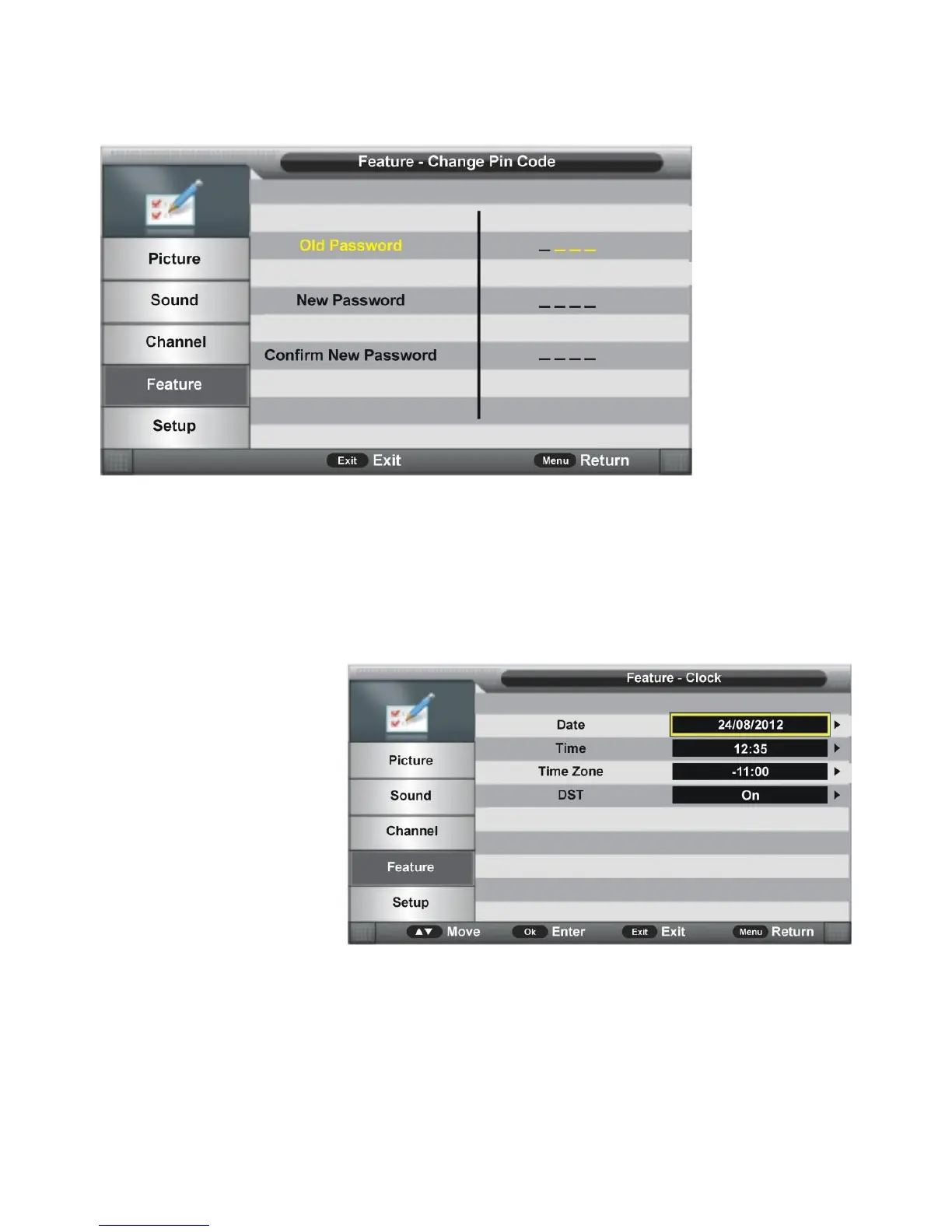
4.1.3 Change PIN Code
- Press OK or RIGHT navigation button to enter submenu.
- Input the Old Password, New Password, and Confirm New Password. After that, the
new password will be saved automatically.
4.2 Language
Press OK or RIGHT navigation button to enter submenu. Then select preferred OSD menu
language, subtitle language, audio language, and DTV/ATV Teletext language using
navigation buttons.
4.3 Clock
- Press OK or RIGHT
navigation button to
enter submenu.
- Press UP/DOWN
navigations button to
select preferred item.
4.3.1 Date
When auto searching is done, this unit will get the date from the signal and save it
automatically.
4.3.2 Time
When auto searching is done, this unit will get the time from the signal and save it
automatically.



 To Next Page