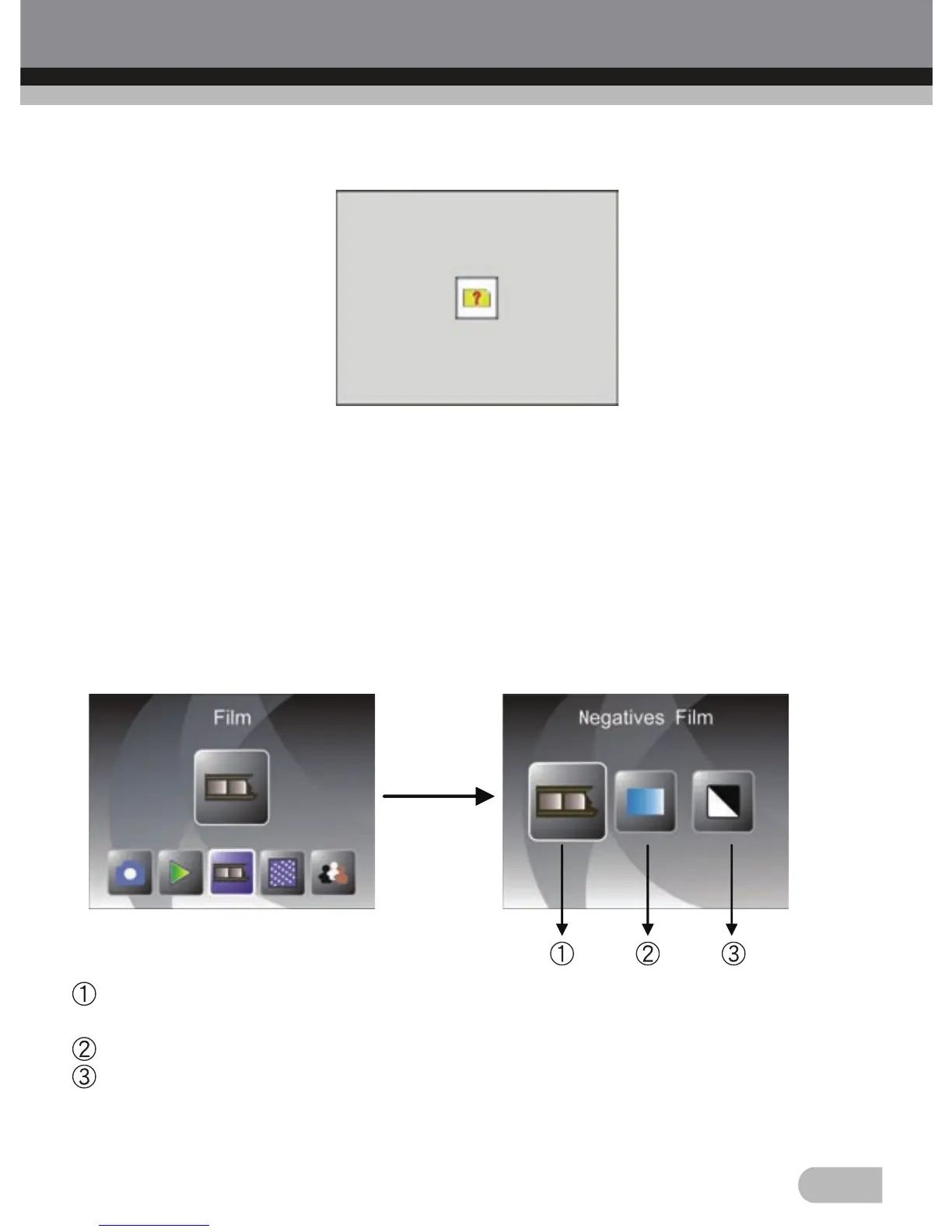
2.8 Playback: No Picture
22
If there is no picture when enter playback mode, a No picture symbol will
show on screen
3. Film Type
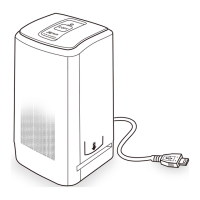
When the Film scanner mode is selected, user can change film type by enter
Film Type menu when power on the device or access the main menu by
Home icon/MODE button anytime. Press LEFT/RIGHT button for Film Type
and press ENTER button to confirm.
Negatives Film: Select Negatives film when load color negative film in
holder
Slides: Select Slides when load slide in holder
B&W: Select B&W when load B&W negative film in holder
User can press LEFT/RIGHT button to select film type, then press ENTER
button to confirm.


 To Next Page