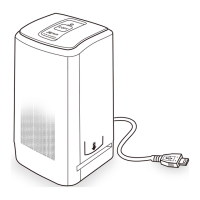
Start of Operation:
To ensure proper operation please read all the operating
instructions and the notes on safety carefully!
Power Connection:
Connect the device using the supplied USB cable and the power adapter.
Insert the plug of the power adapter into a power outlet.
USB Connection:
Use the USB cable to connect the device to your PC.
3
2. Package Contents
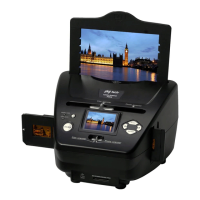
Combo-Scanner PS970
USB Cable
Negative Film Holder
Positive Slide Holder
Photo Tray (13x18, 10x15, 9x13)
AC/DC Adapter
User’s Manual


 To Next Page