3
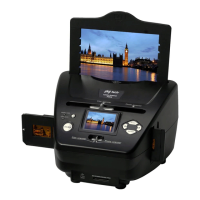
The following items should be included. Please contact your
retailer if you have not received any of these items.
◆Film scanner with USB cable connected
◆CD-ROM
◆Negative Film Holder
◆Positive Slide Holder
◆Instruction
◆Brush
2. Unpacking Your Product
Start of Operation:
To ensure proper operation please read all the operating
instructions and the notes on safety carefully!
USB Connection:
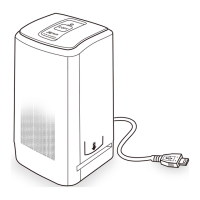
Use the USB cable to connect the device to your PC.
This symbol on the product or in the instructions means that your electrical and electronic
equipment should be disposed at the end of its life separately from your household waste.
There are separate collection systems for recycling in the EU. For more information, please
contact the local authority or your retailer where you purchased the product.


 To Next Page