9
After installation and connection of the film scanner to the
computer:
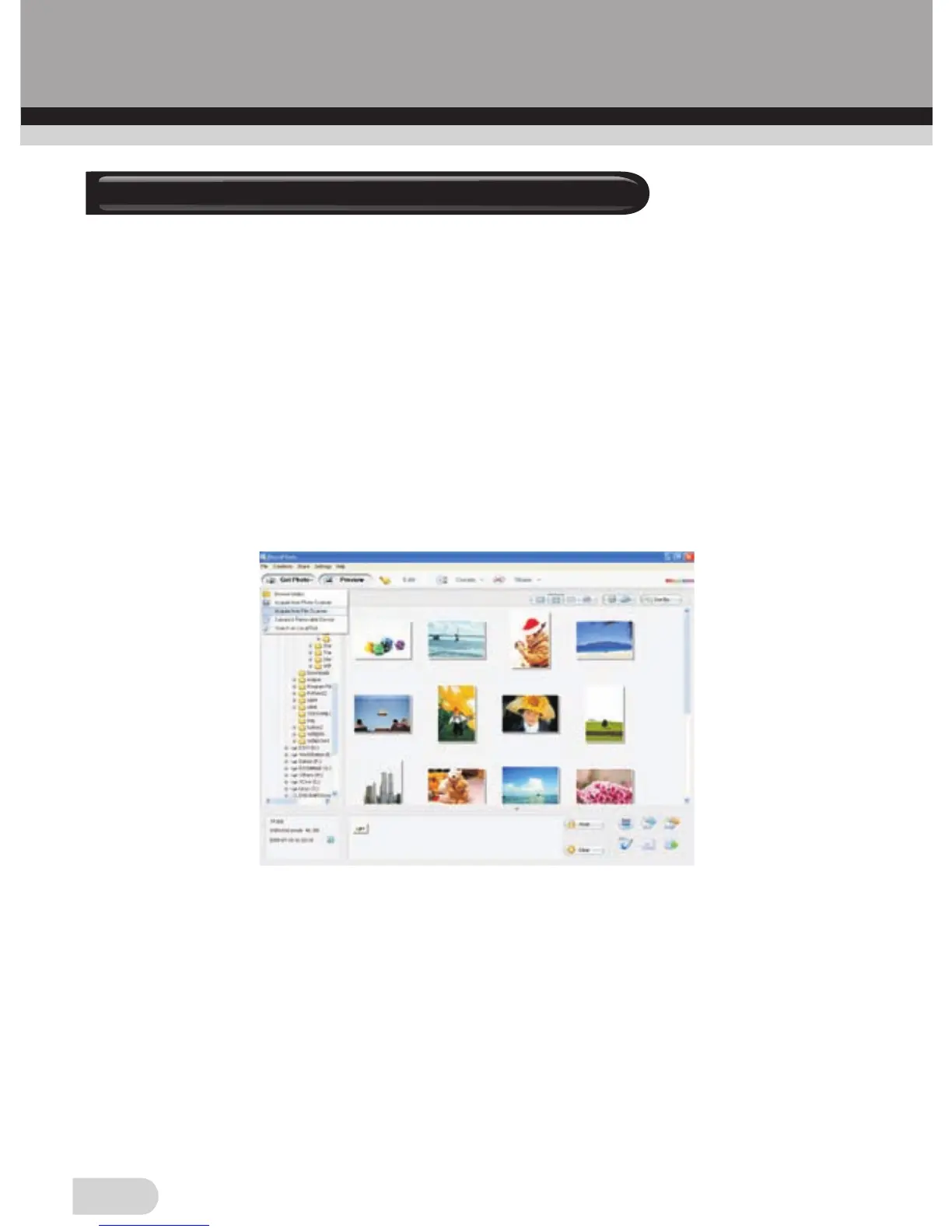
◆ Click on the START menu of your windows PC and launch
BlazePhoto from the programs menu, wait for the application to
launch.
“BlazePhoto” Window
◆Choose “Get Photo” from the menu bar
◆ Then choose “Acquire from Film Scanner” from the drop down
menu
The following window will appear “Select Scanner & Video
Device” Window
7. Capturing images


 To Next Page